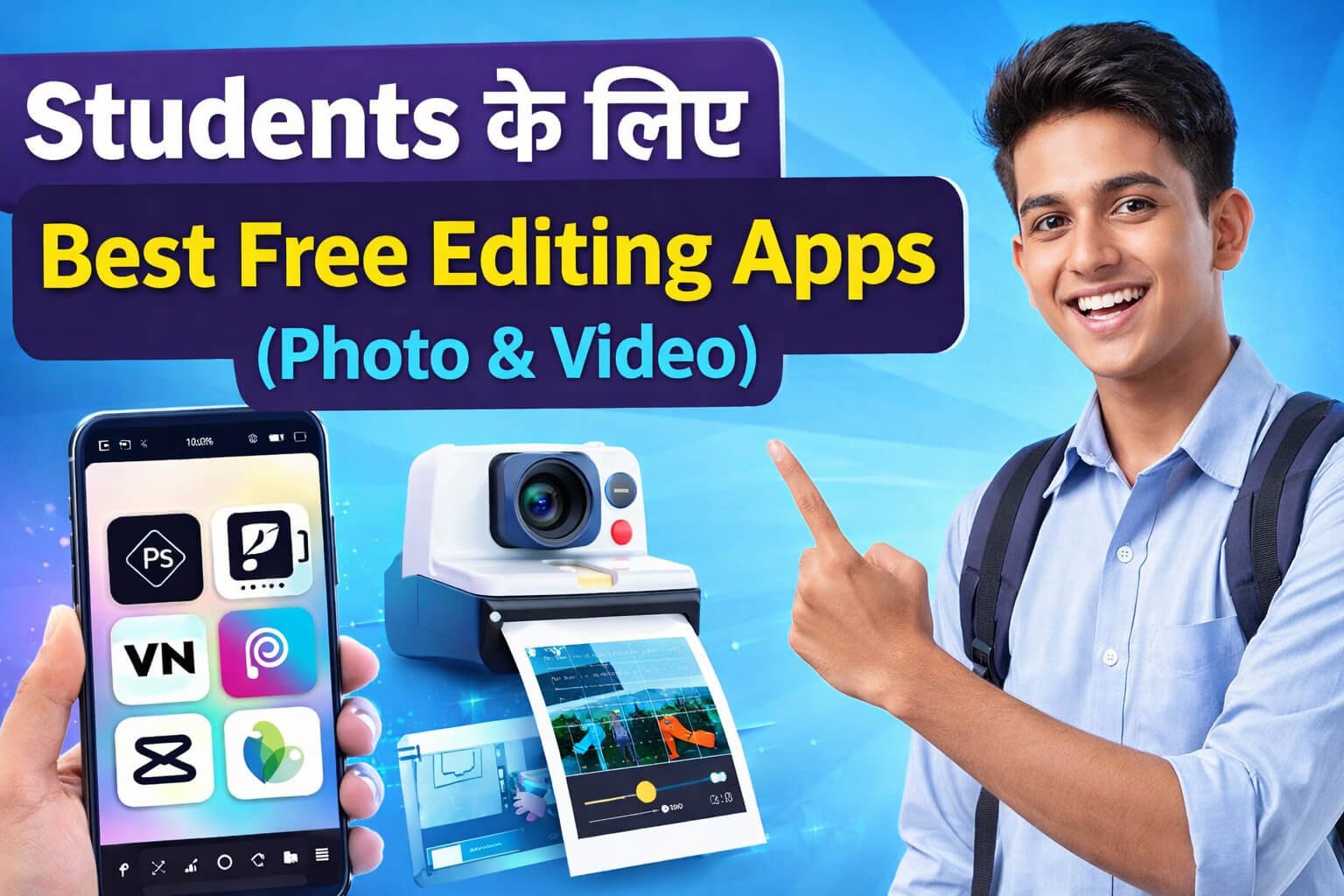
🔰INTRODUCTION
Best Free Editing Apps for Students आज के समय में सिर्फ creators के लिए नहीं,
बल्कि हर student के लिए ज़रूरी बन चुके हैं।
Photo aur video editing अब पढ़ाई, projects, presentations
और social media—सबका हिस्सा हो चुकी है।
लेकिन problem ये है कि
हर student के पास laptop या advanced tools नहीं होते,
और ज़्यादा technical चीज़ें सीखने का time भी नहीं मिलता।
इसी वजह से इस ब्लॉग में हम बात कर रहे हैं
Students के लिए Best Free Editing Apps (Photo & Video) की,
जो mobile पर आसानी से काम करते हैं
और beginners के लिए भी simple हैं।
इन apps की मदद से आप
बिना ज़्यादा knowledge के
photo edit कर सकते हैं,
video बना सकते हैं
और project के लिए creative work कर सकते हैं।
अगर आप student हैं
और editing को आसान तरीके से सीखना चाहते हैं,
तो यह guide आपके लिए सच में useful है।
🎓 Students के लिए Best Free Editing Apps (Photo & Video)
आज students को photo और video editing की ज़रूरत
सिर्फ social media तक सीमित नहीं रही।
Projects, presentations, assignments, reels,
online classes और creative work—
हर जगह editing काम आती है।
लेकिन problem ये है कि
ज़्यादातर professional editing apps
या तो बहुत complicated होते हैं
या फिर free version में सही से use नहीं हो पाते।
इसीलिए इस ब्लॉग में हम बात कर रहे हैं
Students के लिए Best Free Editing Apps (Photo & Video) की,
जो simple, free और beginners के लिए easy हैं।
नीचे बताए गए सभी apps
students की daily जरूरतों को ध्यान में रखकर चुने गए हैं,
ताकि आप बिना extra tension के
अपने mobile से ही photo aur video editing कर सकें।
1️⃣ CapCut – Easy Video Editing के लिए
CapCut आज students के बीच सबसे ज़्यादा popular video editing app है।
Beginners के लिए इसे समझना और use करना बहुत आसान है।
इस app में क्या है:
- video cut, trim और merge
- ready-made effects और transitions
- text, stickers और background music
- auto captions और templates
क्या नहीं है:
- PC-level advanced tools
Best for:
Reels, short videos और project videos बनाने वाले students
2️⃣ VN – बिना Watermark Video Editing
VN एक clean look वाला video editing app है
और free version में watermark नहीं देता।
इस app में क्या है:
- timeline based editing
- multiple video layers
- smooth transitions
- free export (no watermark)
क्या नहीं है:
- ready templates कम हैं
Best for:
College students और presentation videos
3️⃣ PicsArt – Creative Photo Editing
PicsArt creative photo editing के लिए काफी popular है।
इस app में क्या है:
- photo filters और effects
- background remove
- text, stickers और drawing tools
क्या नहीं है:
- कुछ advanced features paid हैं
Best for:
Posters, thumbnails और creative photos
4️⃣ Snapseed – Simple और Clean Editing
Snapseed Google का app है और beginners के लिए perfect है।
इस app में क्या है:
- one-tap filters
- brightness, contrast, crop tools
- professional-look editing
क्या नहीं है:
- stickers और fancy effects
Best for:
Notes, documents और clean photos
5️⃣ Canva – Projects और Posters के लिए
Canva सिर्फ editing app नहीं, एक complete design tool है।
इस app में क्या है:
- posters, presentations, resumes
- ready-made templates
- text + image editing
- basic video editing
क्या नहीं है:
- advanced video editing tools
Best for:
School और college project work
6️⃣ InShot – Simple Video Editing
InShot beginners के लिए बहुत simple app है।
इस app में क्या है:
- video trim और crop
- music और text add
- aspect ratio change
क्या नहीं है:
- free version में watermark आता है
Best for:
Basic video editing सीखने वाले students
7️⃣ Pixlr – Fast Photo Editing
Pixlr lightweight और fast photo editor है।
इस app में क्या है:
- quick filters
- auto enhance
- simple editing tools
क्या नहीं है:
- heavy design options नहीं
Best for:
Low RAM phone वाले students
8️⃣ KineMaster – Advanced Video Editing (Free)
KineMaster semi-professional video editing app है।
इस app में क्या है:
- multi-layer editing
- voice recording
- effects और transitions
क्या नहीं है:
- free version में watermark
Best for:
YouTube और presentation videos
9️⃣ Remove.bg – Background Remove करने के लिए
Remove.bg background हटाने के लिए सबसे आसान tool है।
इस app में क्या है:
- one-click background remove
- PNG export
क्या नहीं है:
- full photo editing tools
Best for:
ID cards, projects और posters
🔟 Adobe Lightroom – Photo Color Correction
Lightroom photo color correction के लिए best माना जाता है।
इस app में क्या है:
- professional filters
- color correction
- light और tone adjustment
क्या नहीं है:
- stickers और design tools
Best for:
Photography interest रखने वाले students
📊 Photo vs Video Editing Apps (Quick Comparison)
📸 Photo Editing Apps
- PicsArt → Creative edits, posters, thumbnails
- Snapseed → Clean & professional photos
- Pixlr → Fast basic editing (low RAM phones)
- Lightroom → Color correction, pro look
- Remove.bg → Background remove only
🎥 Video Editing Apps
- CapCut → Easy reels & short videos (no watermark)
- VN → Clean projects, watermark free
- InShot → Basic editing (free version watermark)
- KineMaster → Advanced editing (free version watermark)
🎨 Photo + Video (Both)
- Canva → Posters, presentations, basic videos
📌 Quick Summary
- Photo editing के लिए PicsArt, Snapseed, Pixlr और Lightroom सबसे अच्छे हैं —
creative work, color correction और quick edits के लिए perfect। - Video editing के लिए CapCut और VN beginners के लिए best हैं,
जबकि InShot और KineMaster थोड़े advanced काम के लिए। - Canva दोनों (photo + video) basic जरूरतों के लिए useful है,
खासकर projects, posters और simple videos के लिए।
अगर चाहो तो मैं इसके नीचे Best 3 Picks for Students भी recommend कर सकता हूँ 👍
🎯 Beginner के लिए Best 3 Editing Apps (Photo & Video)
जब आप editing शुरू कर रहे हों,
तो बहुत सारे apps से confuse होना आसान है।
इसलिए नीचे सबसे आसान और student-friendly 3 apps की सलाह दे रहा हूँ —
जो सीखने में fast हैं और daily needs भी पूरा करते हैं 👇
🥇 CapCut – सबसे आसान Video Editing
क्यों छांटा:
- बिल्कुल beginners के लिए simple
- Reels, short videos आसानी से बना सकते हैं
- Templates, auto captions और music भी मिलता है
Best for:
Short videos, reels, school/college projects
🥈 PicsArt – Creative Photo Editing
क्यों छांटा:
- Photo filters, effects और stickers से creativity boost
- Posters, thumbnails या social media photos बना सकते हैं
- Beginners के लिए interface आसान है
Best for:
Creative photo edits, posters, thumbnails
🥉 Snapseed – Clean और Simple Photo Editing
क्यों छांटा:
- Google का app, beginner-friendly
- Brightness, contrast, crop जैसे basic tools बहुत आसान
- Fancy tools नहीं, practical editing पर focus
Best for:
Clean photos, documents, daily photo adjustments
📌 Quick Tip
- Video के लिए: CapCut सबसे simple और powerful option है।
- Photo के लिए: PicsArt creative edits के लिए best,
Snapseed clean and basic edits के लिए perfect।
इन तीन apps से शुरुआत कर दो —
धीरे-धीरे जरूरत के हिसाब से आगे और tools सीख सकते हो।
अगर चाहो, मैं “इन apps के आसान इस्तेमाल के tips” भी बता सकता हूँ 👍
📌 निष्कर्ष (Conclusion)
अगर आप student हैं और best free editing apps for students ढूंढ रहे हैं,
तो ऊपर बताए गए apps आपके लिए सही choice साबित होंगे।
ये सभी apps
- beginners के लिए easy हैं
- mobile पर smoothly काम करते हैं
- और student life की real जरूरतों को ध्यान में रखकर चुने गए हैं
चाहे आपको photo edit करनी हो,
video बनाना हो
या project के लिए creative काम करना हो —
इन apps से आप बिना ज़्यादा technical knowledge के भी अच्छा output बना सकते हैं।
शुरुआत में 2–3 apps चुनिए,
उन्हें अच्छे से सीखिए
और धीरे-धीरे अपनी editing skills को improve कीजिए।
याद रखिए,
tools सिर्फ मदद करते हैं —
असली फर्क आपकी practice और creativity से पड़ता है।
 Join WhatsApp Channel
सवाल
Students के लिए Best Free Editing Apps (Photo & Video) कौन-से हैं?
✅ जवाब
Students के लिए best free editing apps वही होते हैं जो
free, easy और mobile-friendly हों।
- Photo editing: PicsArt, Snapseed, Lightroom
- Video editing: CapCut, VN, InShot
- Project & design: Canva
- Low RAM phone: Pixlr
Student को पहले यह तय करना चाहिए कि
उसे photo, video या project editing किस लिए चाहिए,
फिर उसी हिसाब से app चुनना चाहिए।
Short FAQ (Beginner Friendly)
Q1. Students के लिए best free editing app कौन-सा है?
Photo के लिए PicsArt, video के लिए CapCut best हैं।
Q2. क्या ये apps beginners के लिए easy हैं?
हाँ, सभी apps beginners के लिए आसान हैं।
Q3. क्या free apps में watermark आता है?
InShot और KineMaster में आता है,
CapCut और VN में नहीं।
Q4. Low RAM phone में कौन-सा app चलेगा?
Pixlr और Snapseed।
Q5. Project work के लिए best app?
Canva।
इसे आप ऐसे short, clean और natural तरीके से लिख सकते हो 👇
अगर आप mobile apps use करते हैं,
तो पहले यह समझना ज़रूरी है कि safe mobile app क्या होता है।
इससे जुड़ी पूरी जानकारी के लिए यह guide ज़रूर पढ़ें –
https://mywebsathi.com/safe-mobile-app-guide/
इसे आप ब्लॉग में short और clean तरीके से ऐसे add कर सकते हो 👇
अगर आप जानना चाहते हैं कि ChatGPT और दूसरे AI tools कैसे काम करते हैं
और इन्हें सही तरीके से कैसे use करें,
तो यह complete guide ज़रूर पढ़ें:
👉 https://mywebsathi.com/chatgpt-ai-tools/