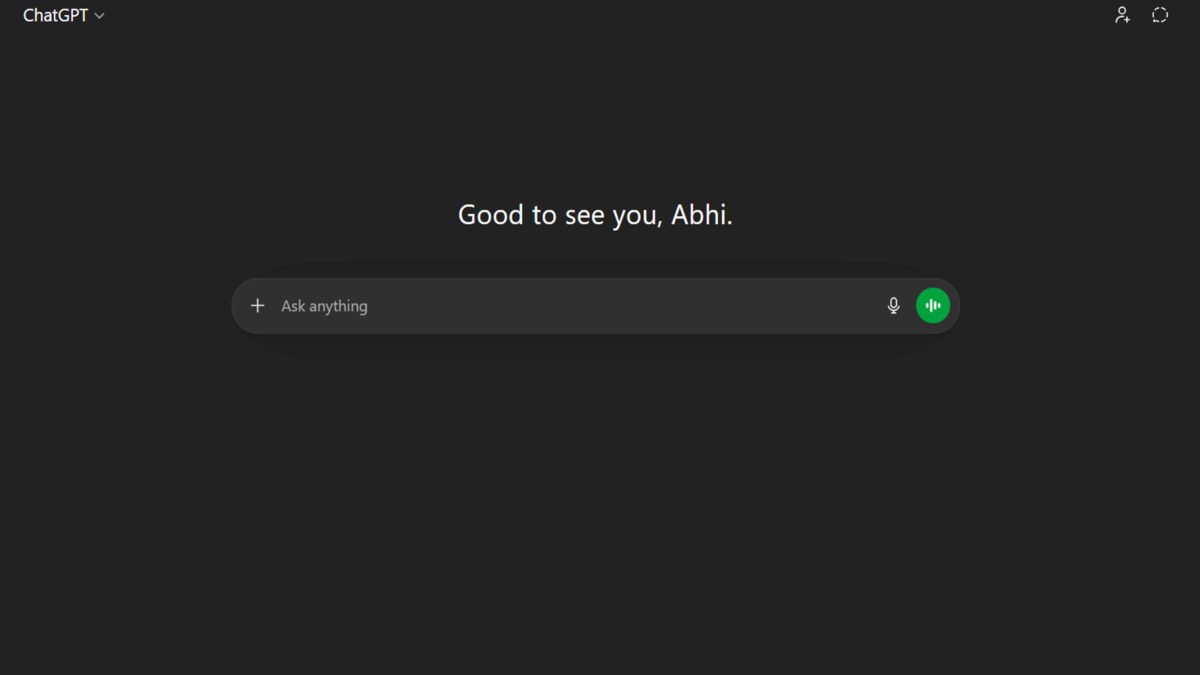
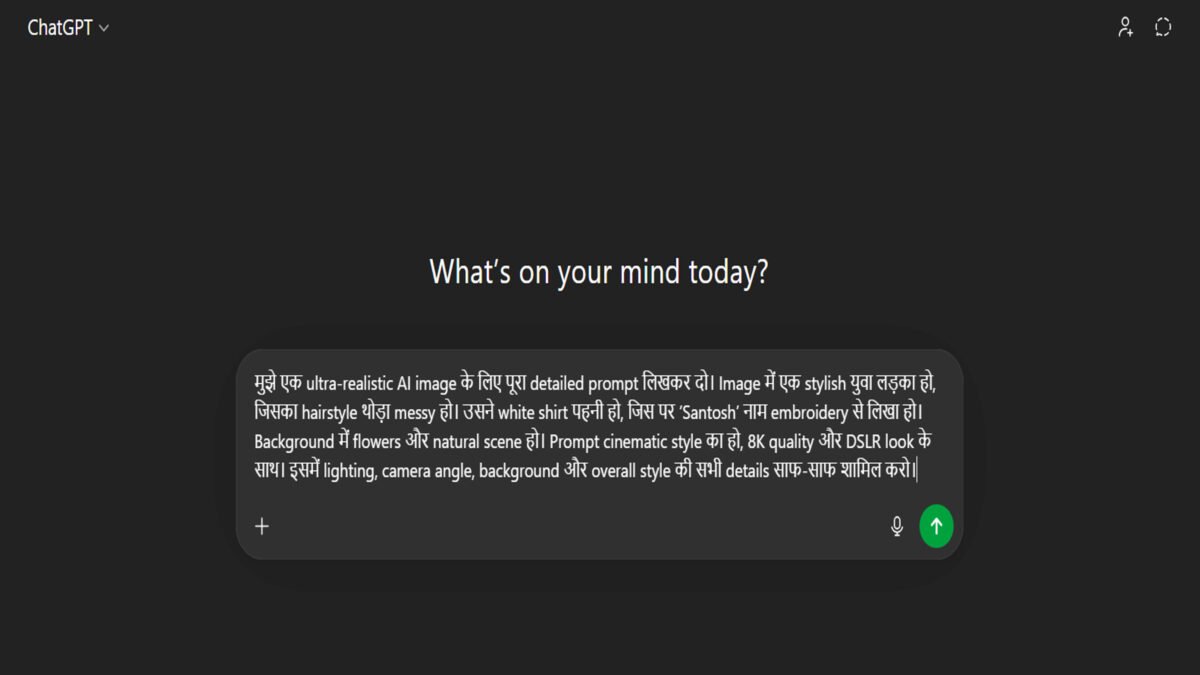
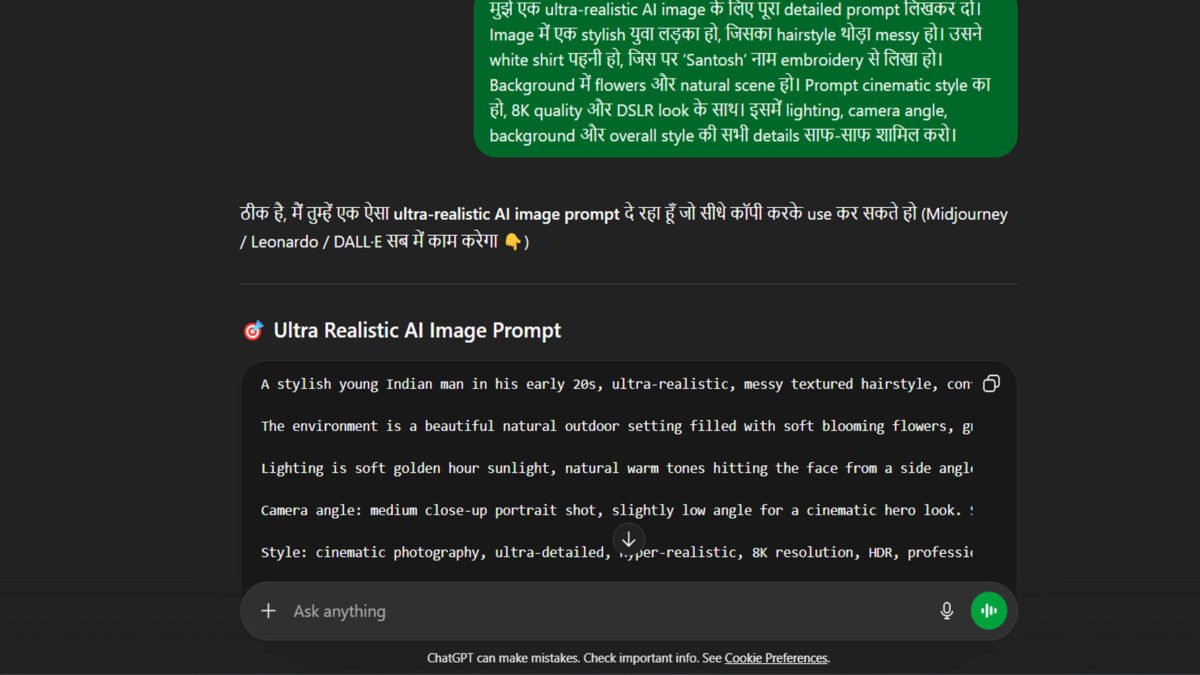
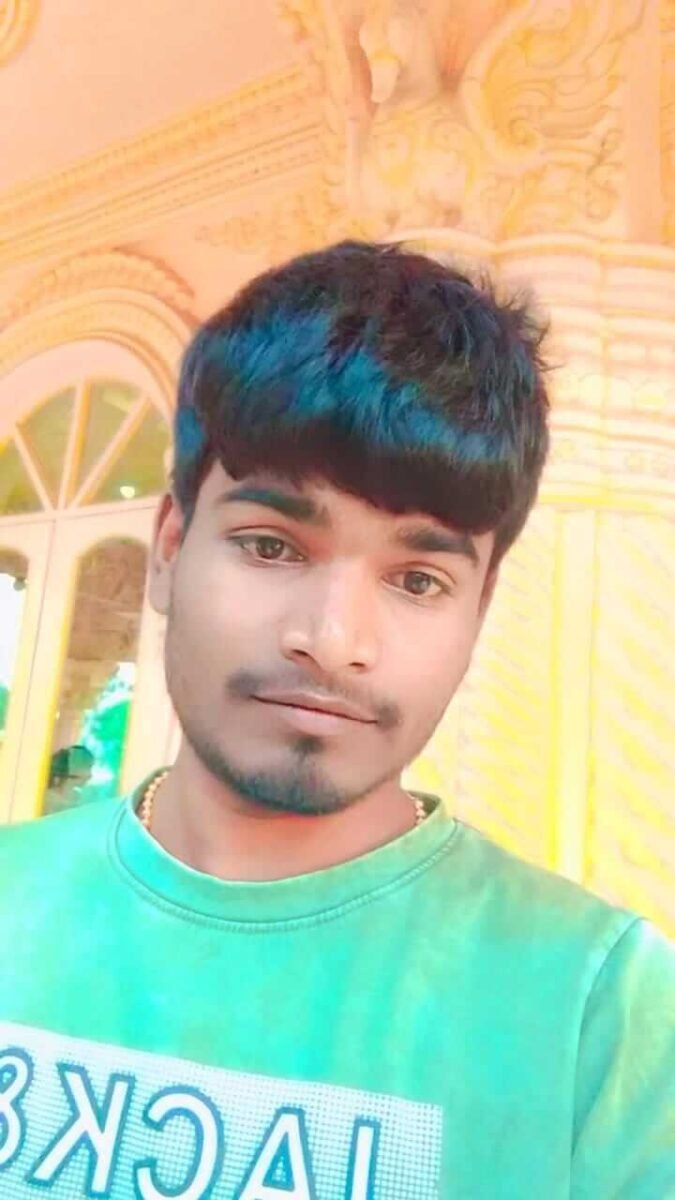
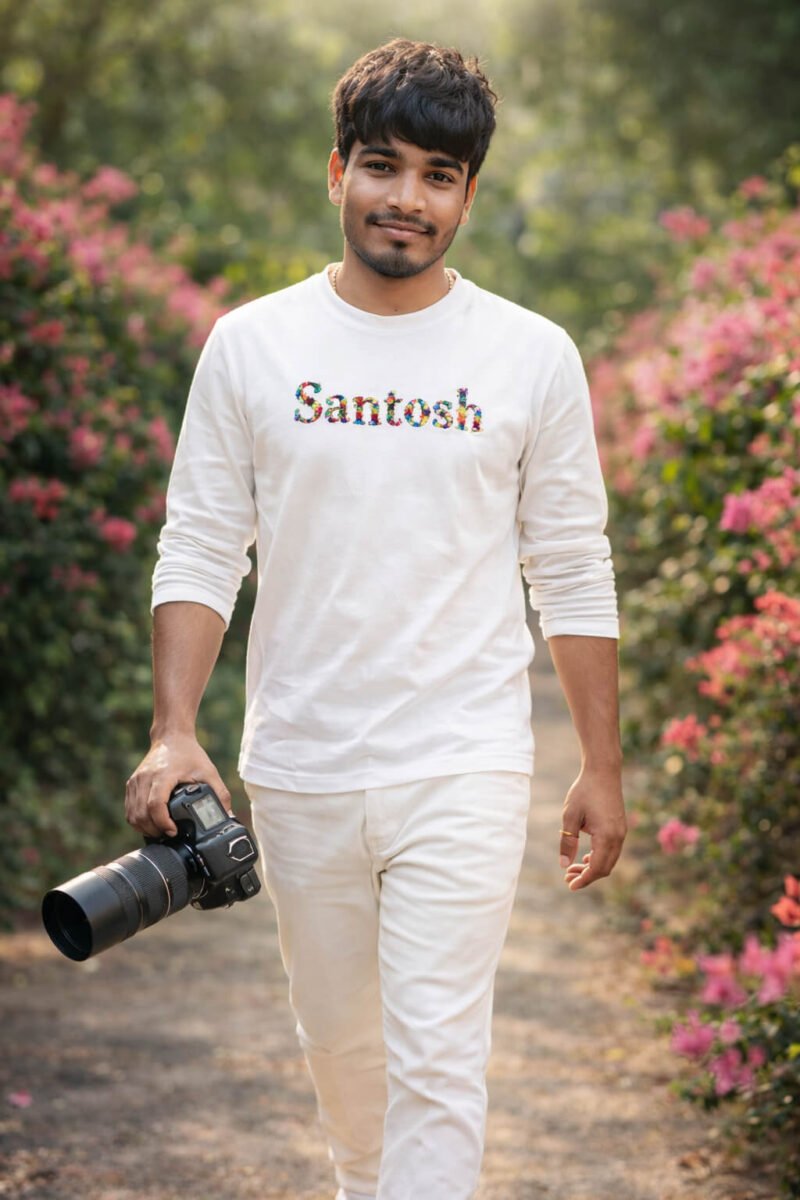
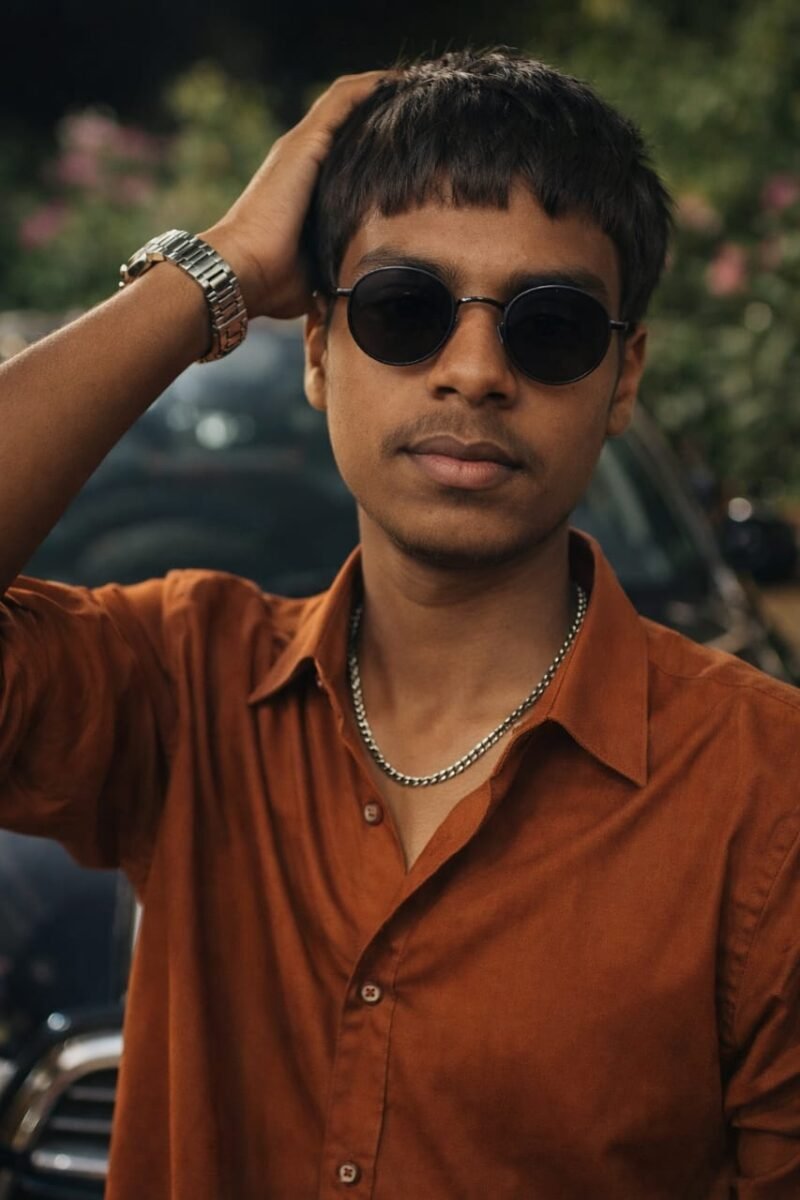
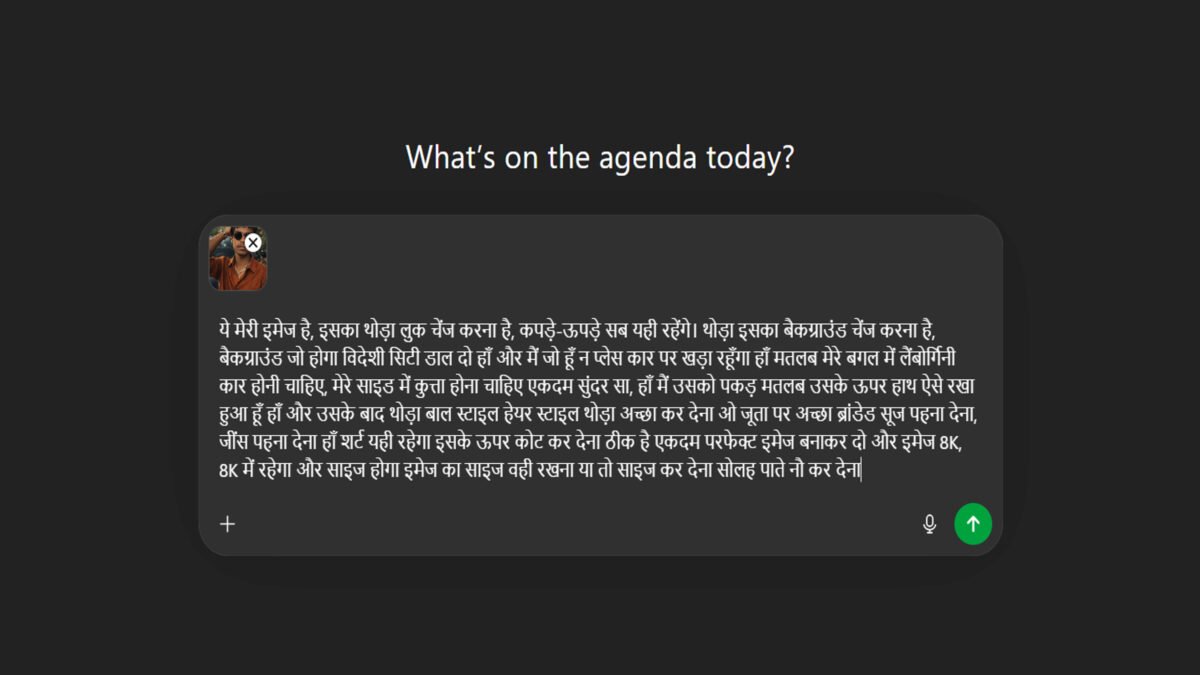
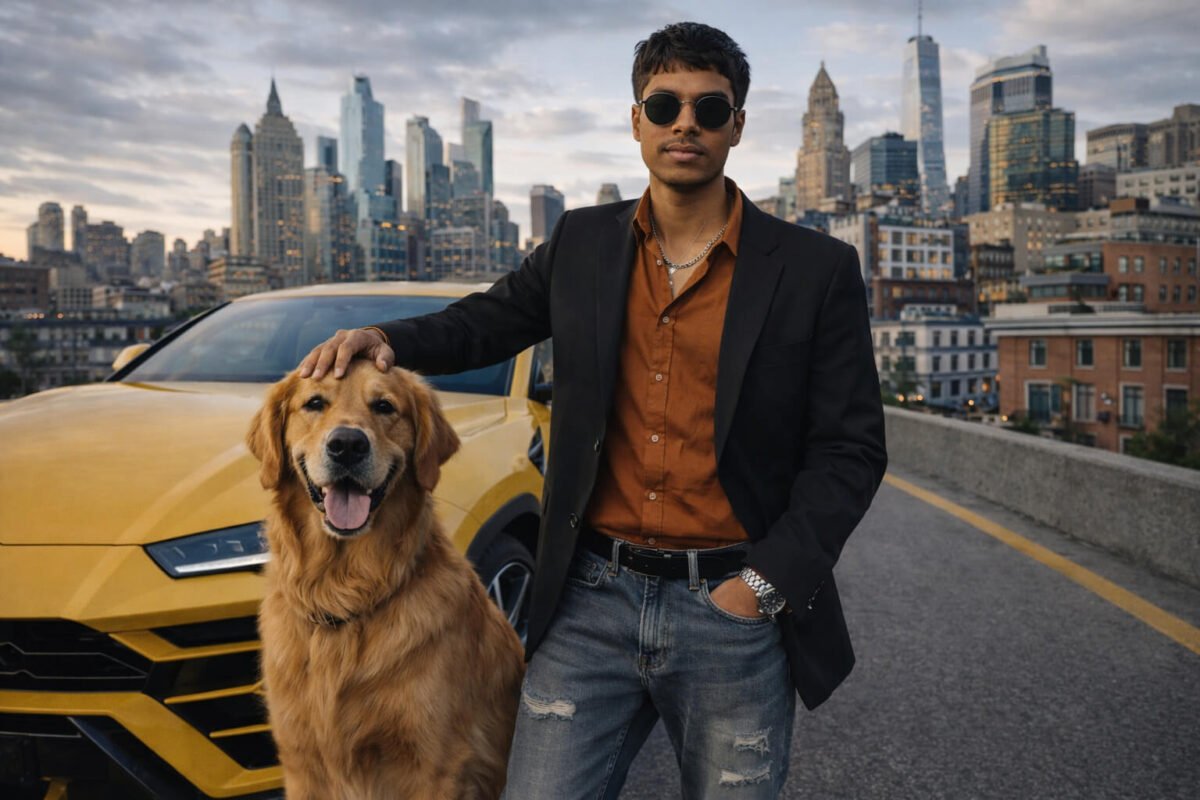
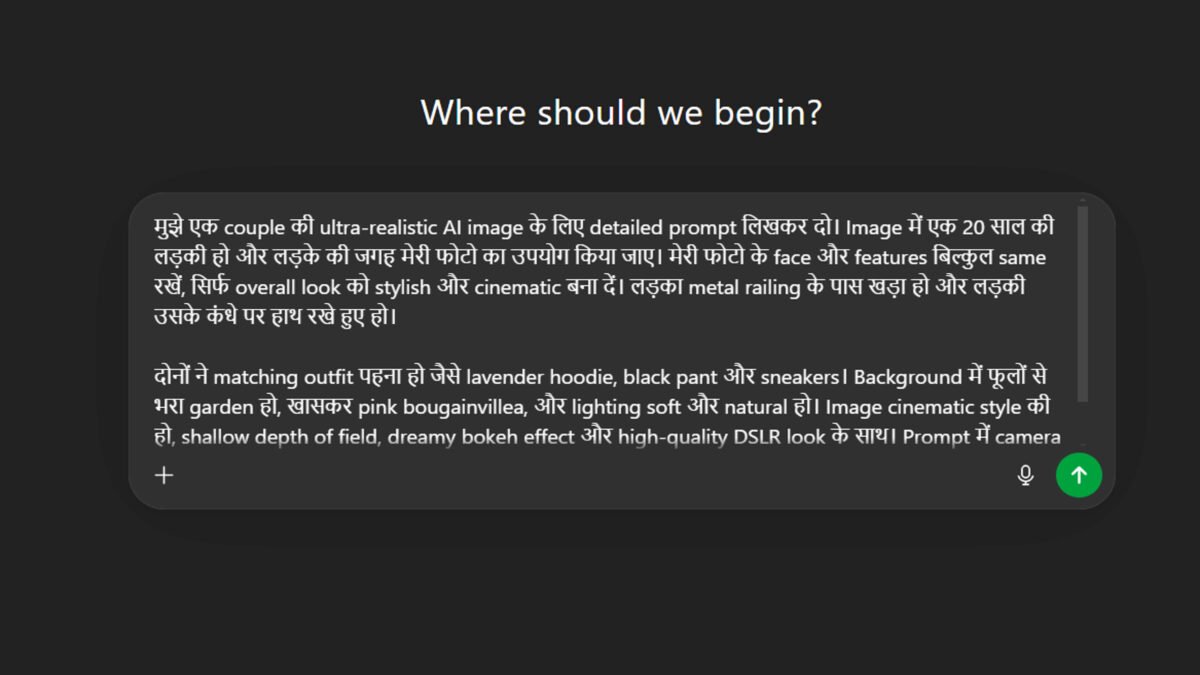
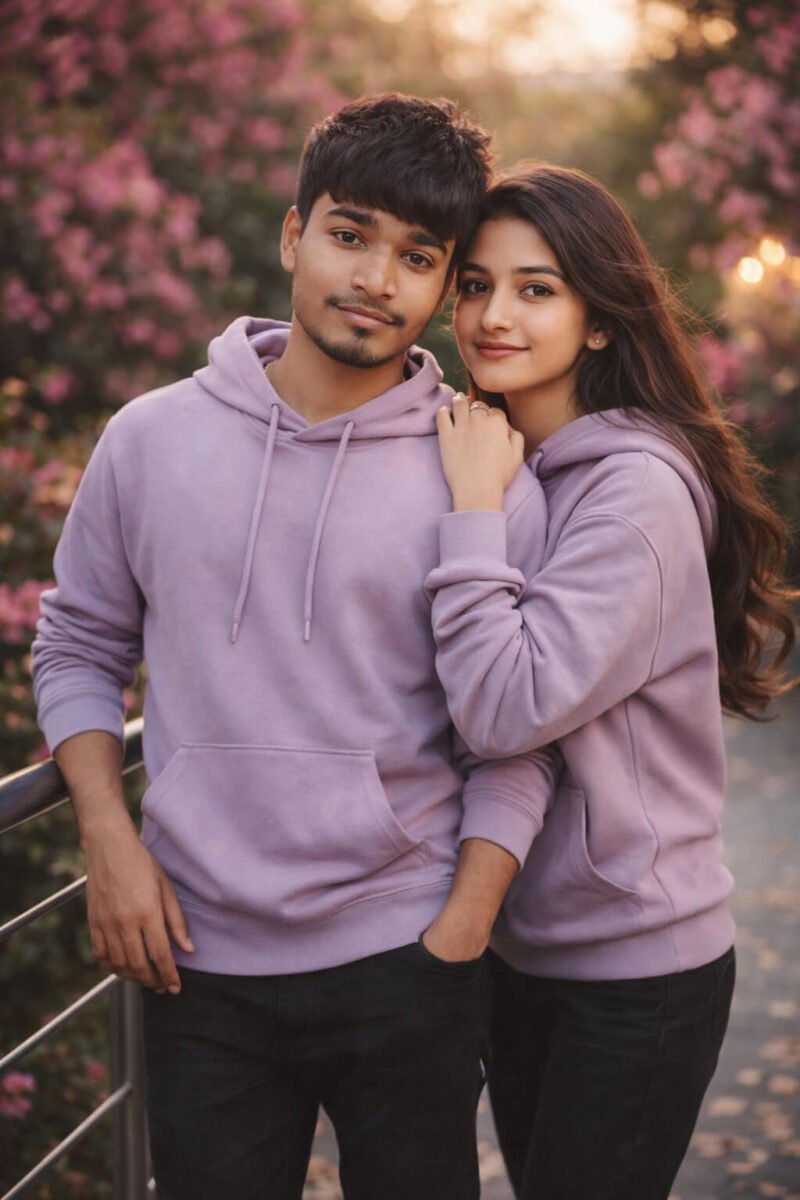
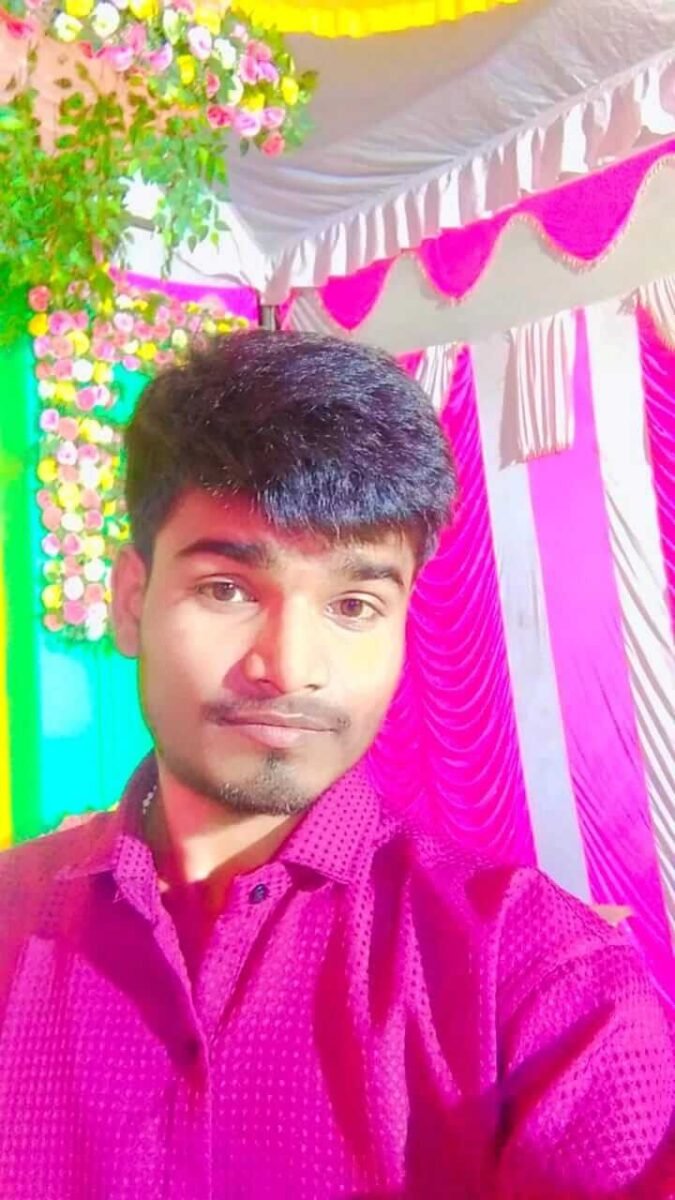
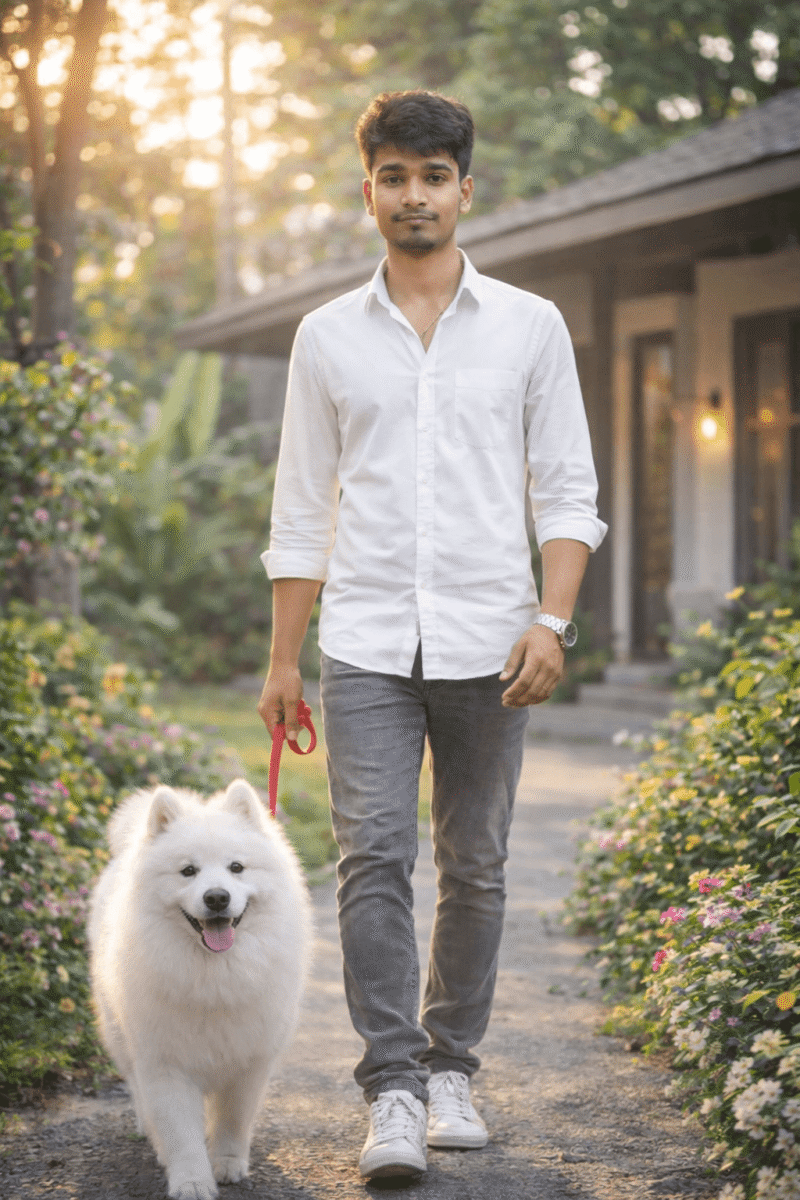
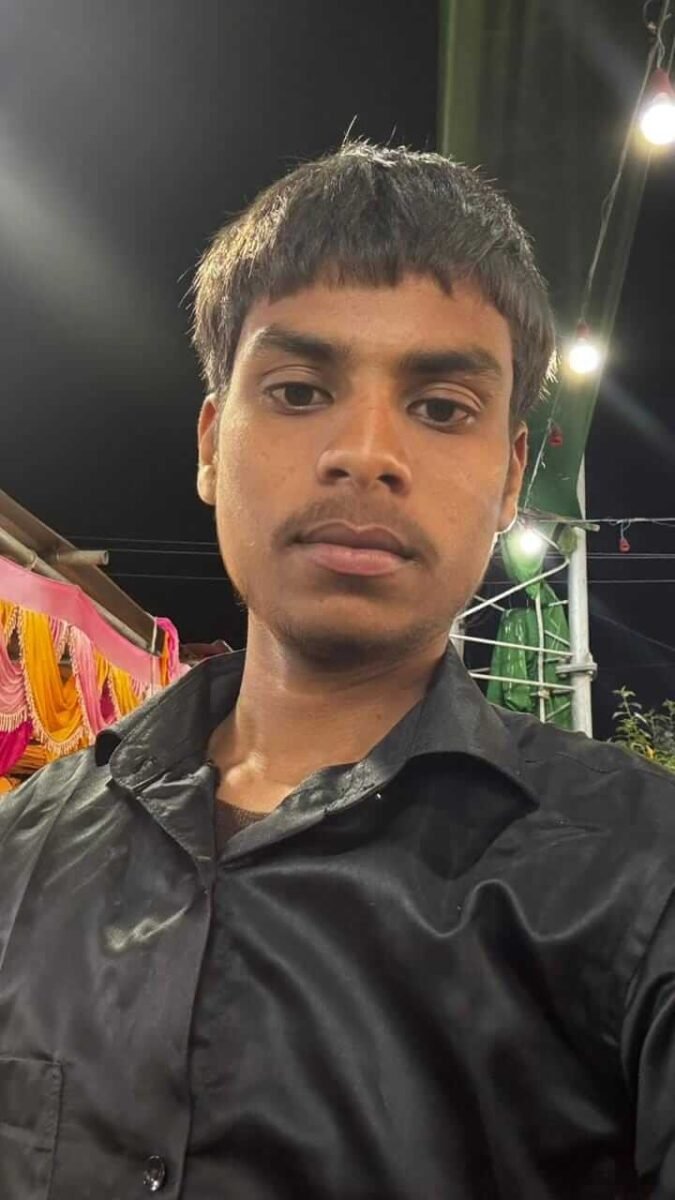
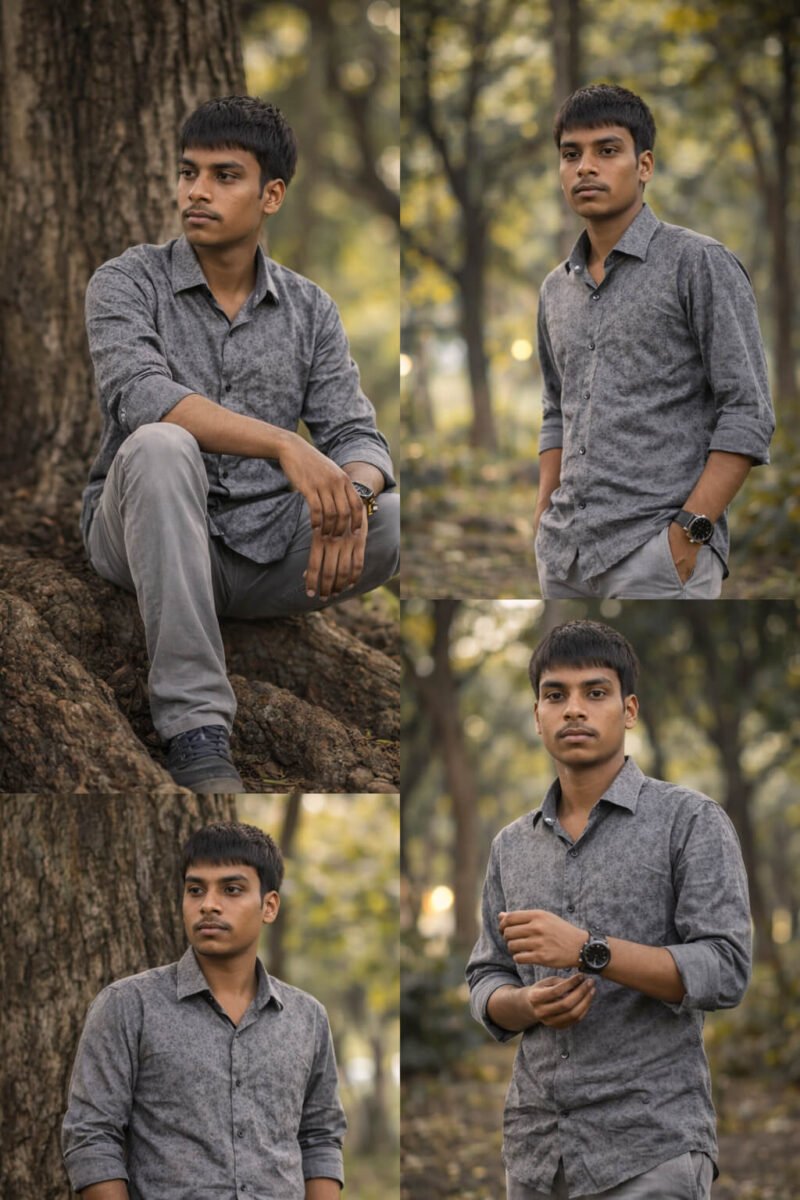
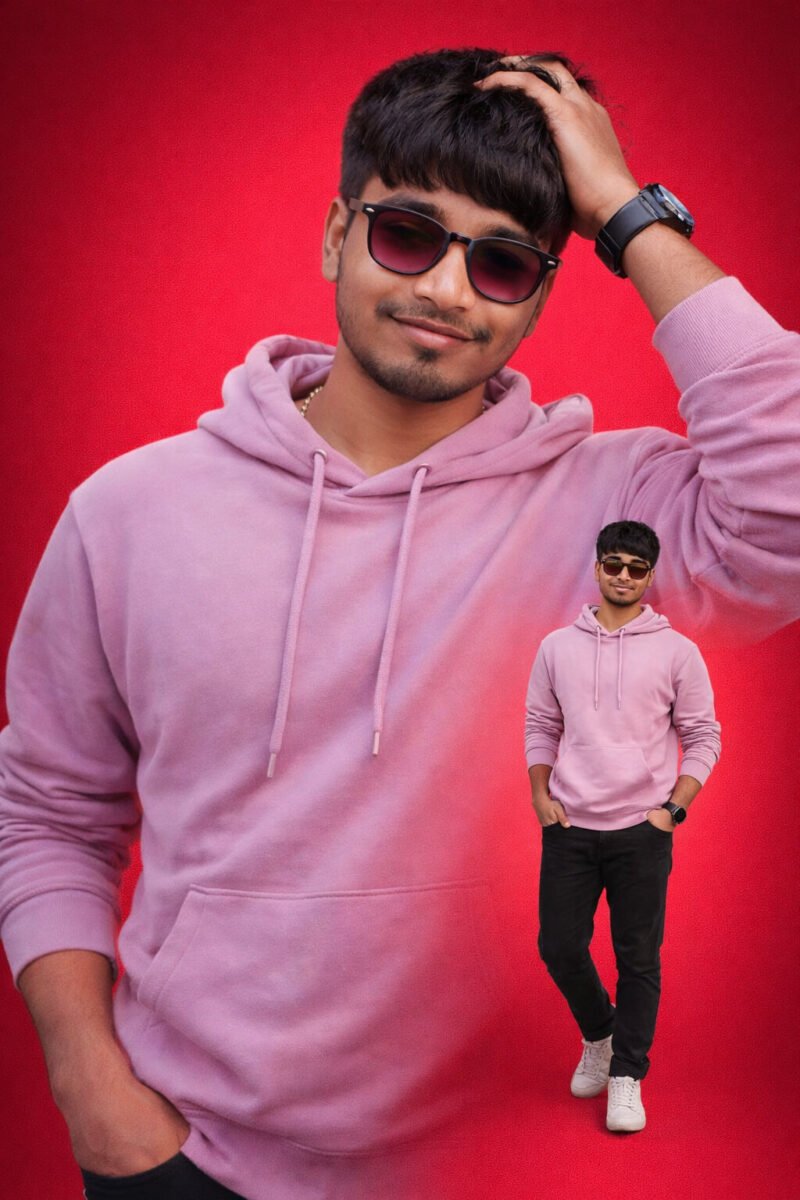
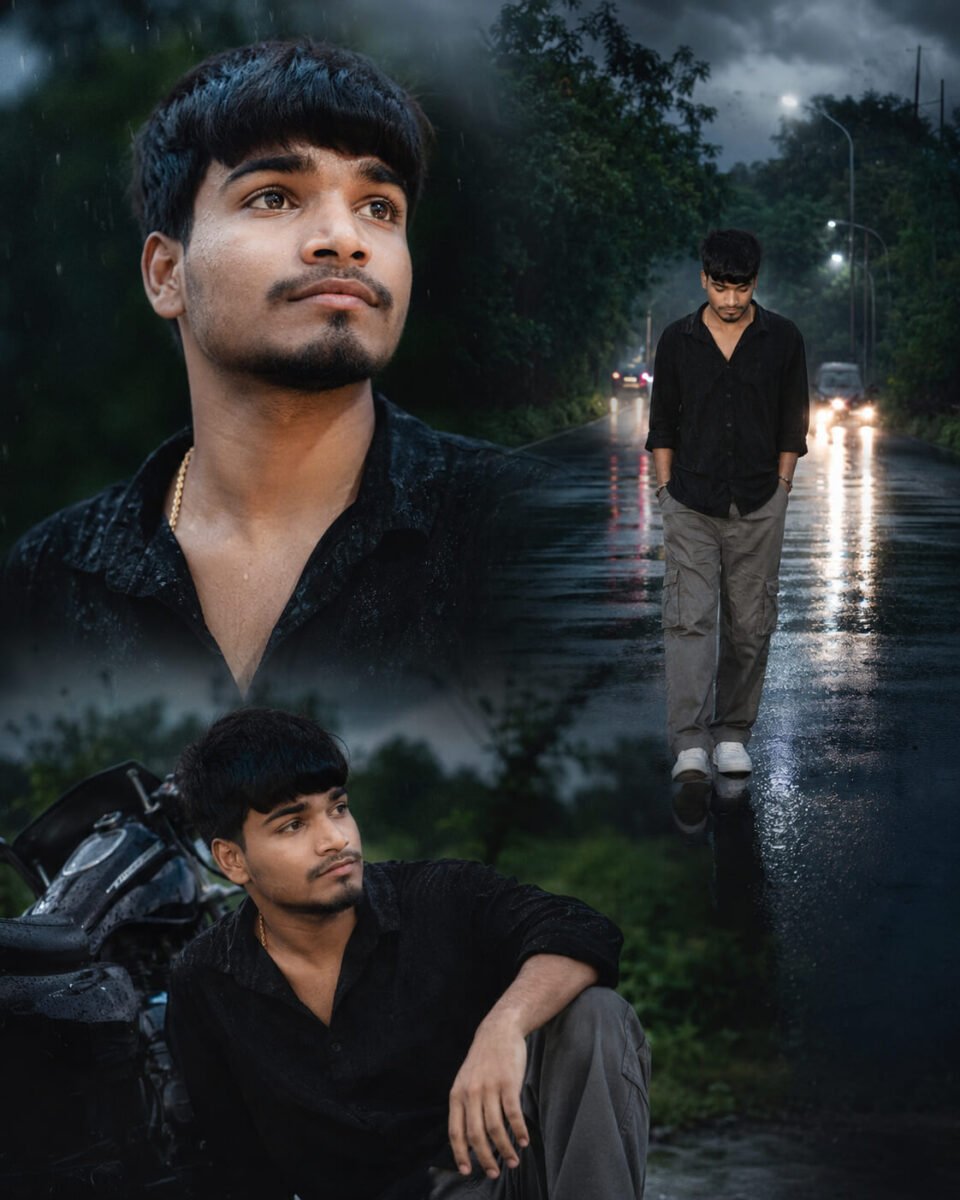
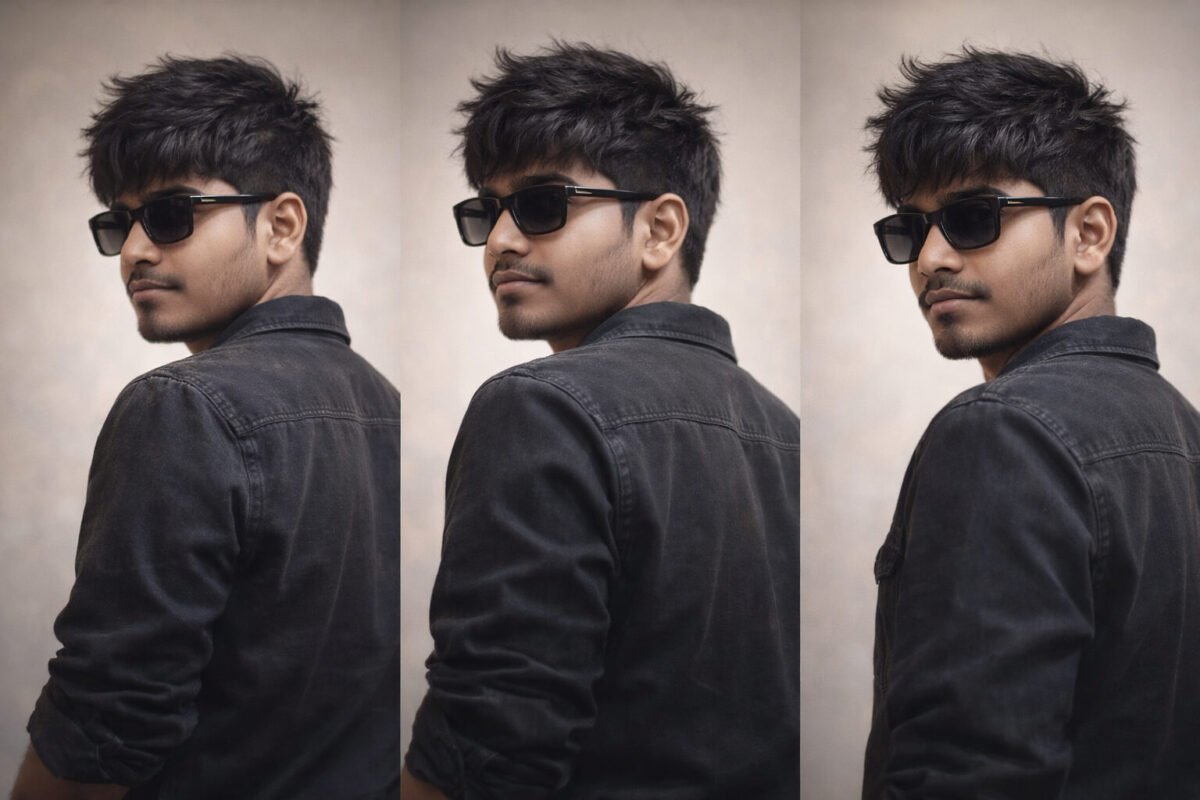
अगर आप सोच रहे हैं कि AI Image Prompt Kaise Likhe, तो इसके लिए आपको किसी दूसरे के prompt को copy करने की जरूरत नहीं है। आप अपनी जरूरत के हिसाब से खुद एक अच्छा और detailed AI image prompt लिख सकते हैं। बस आपको यह पता होना चाहिए कि prompt में कौन-कौन सी जरूरी चीजें और details शामिल करनी हैं। इस गाइड में हम 12 आसान steps की मदद से यही सीखेंगे, ताकि आप ChatGPT, Google Gemini और दूसरे AI tools के लिए खुद perfect image prompt तैयार कर सकें।
अगर आप अलग-अलग कैटेगरी के और भी बेहतरीन AI Image Prompts ढूंढ रहे हैं, तो हमारा 50+ AI Image Prompts Copy & Paste संग्रह भी ज़रूर देखें। इसमें Trending Boy, Girl, Couple, Luxury, Travel, Rain Effect, DSLR और Bike Rider जैसे कई प्रीमियम AI Prompts दिए गए हैं, जिन्हें आप सीधे कॉपी करके इस्तेमाल कर सकते हैं। 50+ AI Image Prompts Copy & Paste (2026)
AI Image Prompt Kaise Likhe? Perfect Prompt Banane Ke 12 Zaroori Steps
AI Image Prompt Kaise Likhe यह समझने के लिए हम 12 जरूरी steps को एक-एक करके जानेंगे। हर step में आपको आसान तरीके से बताया जाएगा कि prompt में क्या लिखना है और उसका क्या काम होता है। इन सभी steps को समझने के बाद आप अपनी जरूरत के हिसाब से खुद एक useful और professional AI image prompt तैयार कर पाएंगे। इससे आपको हर बार किसी दूसरे के बनाए prompt पर निर्भर नहीं रहना पड़ेगा।
Step 1: AI Image Prompt में Subject को Clear रखें
AI image prompt लिखते समय सबसे पहले आपको अपना Subject तय करना होता है। सरल शब्दों में कहें तो Subject वह मुख्य व्यक्ति, वस्तु, जानवर या चीज होती है, जिसे आप अपनी image में सबसे ज्यादा दिखाना चाहते हैं।
जैसे मान लीजिए आप अपनी normal photo को stylish और professional look देना चाहते हैं, तो उस image में आप खुद Subject होंगे। इसके बाद कपड़े, expression, pose, background, camera angle और बाकी details इसी Subject के हिसाब से prompt में जुड़ती जाएंगी। आगे के steps में हम इन्हीं details को एक-एक करके जोड़ेंगे और साथ ही अपना पूरा prompt तैयार करते चलेंगे।
A 25-year-old Indian man
Step 2: Expression (चेहरे का भाव) तय करें
Subject तय होने के बाद Expression पर ध्यान दें, यानी image में उसके चेहरे का भाव कैसा दिखाई देना चाहिए। आप अपनी जरूरत के हिसाब से confident, happy, serious या हल्की smile वाला expression चुन सकते हैं।
जैसे हम अपनी stylish और professional image बना रहे हैं, तो चेहरे पर confident expression with a slight smile रख सकते हैं। इससे AI को यह समझने में आसानी होगी कि हमारी final image में चेहरे का look और expression कैसा होना चाहिए।
A 25-year-old Indian man, confident expression with a slight smile
Step 3: Clothes (क्या पहना है?) तय करें
इसके बाद अपने Subject के Clothes तय करें, यानी वह image में क्या पहने हुए दिखाई देगा। कपड़ों की सही detail देने से AI आपकी पसंद के हिसाब से formal, casual, traditional या stylish look तैयार कर सकता है। हमारी professional image के लिए हम black shirt, beige trousers और black shoes चुन सकते हैं। इसी तरह आप अपने prompt में कपड़ों का type और color अपनी पसंद के अनुसार रख सकते हैं।
A 25-year-old Indian man, confident expression with a slight smile, wearing a black shirt, beige trousers and black shoes
Step 4: Pose (क्या कर रहा है?) तय करें
Clothes तय करने के बाद Pose चुनें, यानी आपका Subject image में क्या कर रहा है या किस तरह खड़ा या बैठा दिखाई देगा। अपनी जरूरत के हिसाब से आप Standing, Walking, Sitting, Running, Holding an Umbrella या कोई दूसरी activity चुन सकते हैं। हमारी professional image में हम Subject को confidently standing with one hand in pocket रखेंगे। इससे AI को साफ पता चलेगा कि image में Subject की body position और pose कैसा रखना है।
A 25-year-old Indian man, confident expression with a slight smile, wearing a black shirt, beige trousers and black shoes, confidently standing with one hand in his pocket
Step 5: Location (कहाँ है?) चुनें
अब बात आती है Location की, यानी आपका Subject image में किस जगह पर दिखाई देगा। सही Location चुनने से image का background और पूरा माहौल बदल सकता है। आप अपनी जरूरत के हिसाब से Beach, Mountain, Rainy Street, Forest, Desert, Temple या Luxury Café जैसी कोई भी location चुन सकते हैं।
हमारी stylish और professional image के लिए हम Luxury Café चुनेंगे, जिससे image को premium look मिल सके। इसी तरह आप अपनी image के हिसाब से ऐसी location चुनें, जो आपके Subject और पूरे look के साथ अच्छी लगे।
A 25-year-old Indian man, confident expression with a slight smile, wearing a black shirt, beige trousers and black shoes, confidently standing with one hand in his pocket, inside a modern luxury café
Step 6: Weather / Environment कैसा होगा?
Location के बाद Weather या Environment आपकी image के पूरे माहौल को और बेहतर बनाता है। इसमें आप तय कर सकते हैं कि scene में Heavy Rain, Snowfall, Fog, Sunset, Night या Thunderstorm जैसा कैसा environment दिखाई दे। हमारी image Luxury Café में बन रही है, इसलिए हम बाहर Rainy Night का scene रखेंगे, जो café की खिड़कियों से दिखाई देगा। इससे हमारी image को थोड़ा cinematic और professional look मिलेगा।
A 25-year-old Indian man, confident expression with a slight smile, wearing a black shirt, beige trousers and black shoes, confidently standing with one hand in his pocket, inside a modern luxury café, rainy night visible through the café windows
Step 7: Background Details में क्या दिखाना है?
Location और Environment तय करने के बाद Background Details जोड़ें, यानी Subject के पीछे कौन-कौन सी चीजें दिखाई देनी चाहिए। इसके लिए आप Palm Trees, Ocean Waves, Flowers, Wooden Cottage, Neon Lights या Water Reflections जैसी details अपनी image के हिसाब से चुन सकते हैं। हमारी image Luxury Café और Rainy Night की है, इसलिए background में warm café lights, large glass windows और wet street पर light reflections रखेंगे। इससे background ज्यादा detailed दिखेगा और हमारी image का पूरा scene भी बेहतर लगेगा।
A 25-year-old Indian man, confident expression with a slight smile, wearing a black shirt, beige trousers and black shoes, confidently standing with one hand in his pocket, inside a modern luxury café, rainy night visible through the café windows, warm café lights, large glass windows and beautiful light reflections on the wet street
Step 8: Lighting कैसी रखनी है?
अच्छी Lighting आपकी image के look को काफी बदल सकती है, इसलिए prompt में यह बताना भी जरूरी है कि scene में किस तरह की रोशनी चाहिए। आप अपनी image के हिसाब से Warm Golden Light, Blue Moonlight, Soft Sunlight, Cinematic Lighting या Neon Lighting चुन सकते हैं। हमारी Luxury Café वाली image में हम Warm Golden Light के साथ Cinematic Lighting रखेंगे। इससे Subject साफ दिखाई देगा और Rainy Night वाले scene को भी stylish और professional look मिलेगा।
A 25-year-old Indian man, confident expression with a slight smile, wearing a black shirt, beige trousers and black shoes, confidently standing with one hand in his pocket, inside a modern luxury café, rainy night visible through the café windows, warm café lights, large glass windows and beautiful light reflections on the wet street, warm golden light with cinematic lighting
Step 9: Camera और Shot कैसे रखें?
अब Camera और Shot की detail से तय किया जा सकता है कि आपकी final image किस तरह दिखाई देगी और Subject कितना frame में आएगा। आप DSLR Photography, 85mm Portrait Lens, Wide Angle, Low Angle, Close-up Shot या Full Body Shot जैसी details अपनी जरूरत के हिसाब से prompt में जोड़ सकते हैं। हमारी professional image में पूरा outfit और pose दिखाना है, इसलिए हम DSLR Photography, 85mm Portrait Lens और Full Body Shot रखेंगे। इससे AI को image की framing और photography style समझने में आसानी होगी।
A 25-year-old Indian man, confident expression with a slight smile, wearing a black shirt, beige trousers and black shoes, confidently standing with one hand in his pocket, inside a modern luxury café, rainy night visible through the café windows, warm café lights, large glass windows and beautiful light reflections on the wet street, warm golden light with cinematic lighting, DSLR photography, 85mm portrait lens, full body shot
Step 10: Image Quality कैसी चाहिए?
Prompt में Quality की detail जोड़कर आप AI को बता सकते हैं कि final image कितनी realistic, sharp और detailed दिखनी चाहिए। इसके लिए Ultra Realistic, RAW, 16K, HDR या Masterpiece जैसे terms इस्तेमाल किए जा सकते हैं। हमारी professional image को natural और high-quality look देने के लिए हम Ultra Realistic, RAW और HDR जोड़ेंगे। हर image में सभी quality terms डालना जरूरी नहीं है, इसलिए अपनी जरूरत के हिसाब से सही terms ही चुनें।
A 25-year-old Indian man, confident expression with a slight smile, wearing a black shirt, beige trousers and black shoes, confidently standing with one hand in his pocket, inside a modern luxury café, rainy night visible through the café windows, warm café lights, large glass windows and beautiful light reflections on the wet street, warm golden light with cinematic lighting, DSLR photography, 85mm portrait lens, full body shot, ultra realistic, RAW, HDR
Step 11: छोटी Details को बेहतर बनाएं
एक अच्छी AI image में छोटी-छोटी Details भी काफी फर्क डालती हैं। Prompt में Natural Skin Texture, Detailed Hair, Realistic Water Droplets, Sharp Focus या Cinematic Color Grading जैसी details जोड़कर Subject और पूरे scene को ज्यादा natural बनाया जा सकता है। हमारी professional image के लिए हम Natural Skin Texture, Detailed Hair, Sharp Focus और Cinematic Color Grading रखेंगे। इससे चेहरे और बालों की details साफ रहेंगी और पूरी image ज्यादा realistic और professional दिखाई देगी।
A 25-year-old Indian man, confident expression with a slight smile, wearing a black shirt, beige trousers and black shoes, confidently standing with one hand in his pocket, inside a modern luxury café, rainy night visible through the café windows, warm café lights, large glass windows and beautiful light reflections on the wet street, warm golden light with cinematic lighting, DSLR photography, 85mm portrait lens, full body shot, ultra realistic, RAW, HDR, natural skin texture, detailed hair, sharp focus, cinematic color grading
Step 12: Negative Details में क्या नहीं चाहिए, यह बताएं
आखिर में Negative Details की मदद से आप AI को बता सकते हैं कि final image में किन चीजों से बचना है। जैसे आप No Blur, No Extra Fingers, No Distortion या No Watermark जैसी instructions दे सकते हैं। इससे गलत या unwanted details आने की संभावना कम हो सकती है, हालांकि हर AI tool negative instructions को एक ही तरह से follow नहीं करता। इसलिए इनका इस्तेमाल तभी करें, जब आपका AI tool ऐसी instructions को support करता हो।
A 25-year-old Indian man, confident expression with a slight smile, wearing a black shirt, beige trousers and black shoes, confidently standing with one hand in his pocket, inside a modern luxury café, rainy night visible through the café windows, warm café lights, large glass windows and beautiful light reflections on the wet street, warm golden light with cinematic lighting, DSLR photography, 85mm portrait lens, full body shot, ultra realistic, RAW, HDR, natural skin texture, detailed hair, sharp focus, cinematic color grading. Avoid blur, extra fingers, distortion and watermarks.
12 Steps से तैयार हमारा Final AI Image Prompt
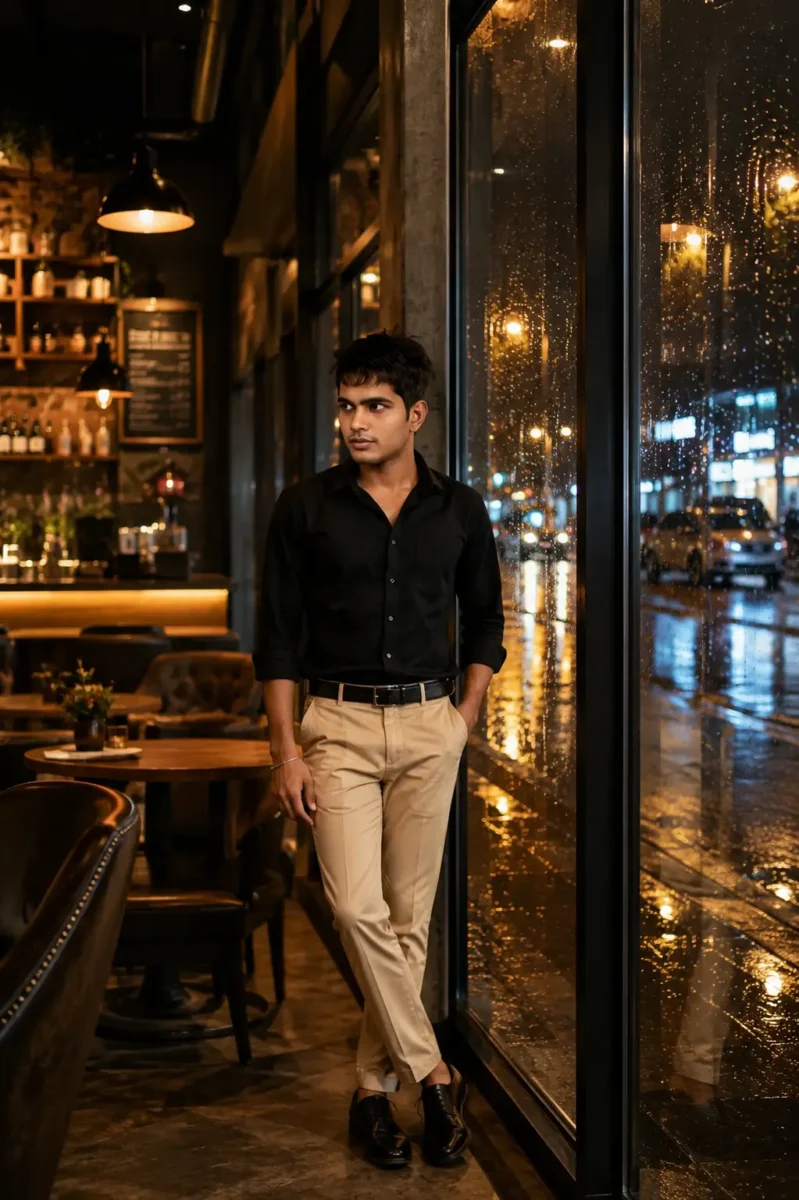
इस तरह केवल इन 12 steps को एक-एक करके follow करते हुए आप अपना पूरा AI image prompt तैयार कर सकते हैं। आपको हर बार किसी दूसरे का prompt copy करने की जरूरत नहीं है, क्योंकि Subject से लेकर Clothes, Pose, Location, Lighting और Camera तक हर detail आप अपनी जरूरत के हिसाब से खुद चुन सकते हैं। अगर आपको image में कपड़े, location, pose या कोई दूसरी चीज बदलनी हो, तो prompt में सिर्फ उस detail को बदलकर अपनी पसंद की image बना सकते हैं। नीचे आप इन सभी steps से तैयार हुआ हमारा final prompt और उससे बनी image देख सकते हैं।
इसके बाद मैं आपको कुछ Extra AI Image Prompts भी दूँगा, जिन्हें आप सीधे इस्तेमाल कर सकते हैं। इन prompts को देखकर आपको यह समझने में भी आसानी होगी कि अलग-अलग तरह की images के लिए details को किस तरह जोड़ा और बदला जा सकता है।
A 25-year-old Indian man, confident expression with a slight smile, wearing a black shirt, beige trousers and black shoes, confidently standing with one hand in his pocket, inside a modern luxury café, rainy night visible through the café windows, warm café lights, large glass windows and beautiful light reflections on the wet street, warm golden light with cinematic lighting, DSLR photography, 85mm portrait lens, full body shot, ultra realistic, RAW, HDR, natural skin texture, detailed hair, sharp focus, cinematic color grading. Avoid blur, extra fingers, distortion and watermarks.
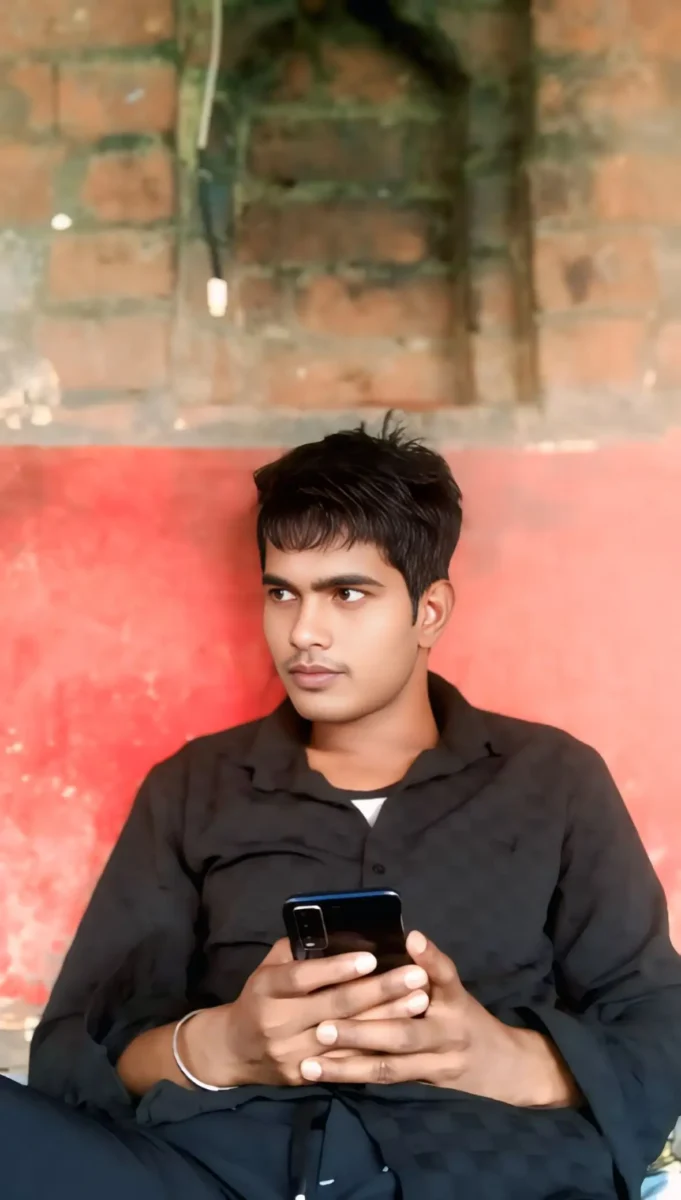
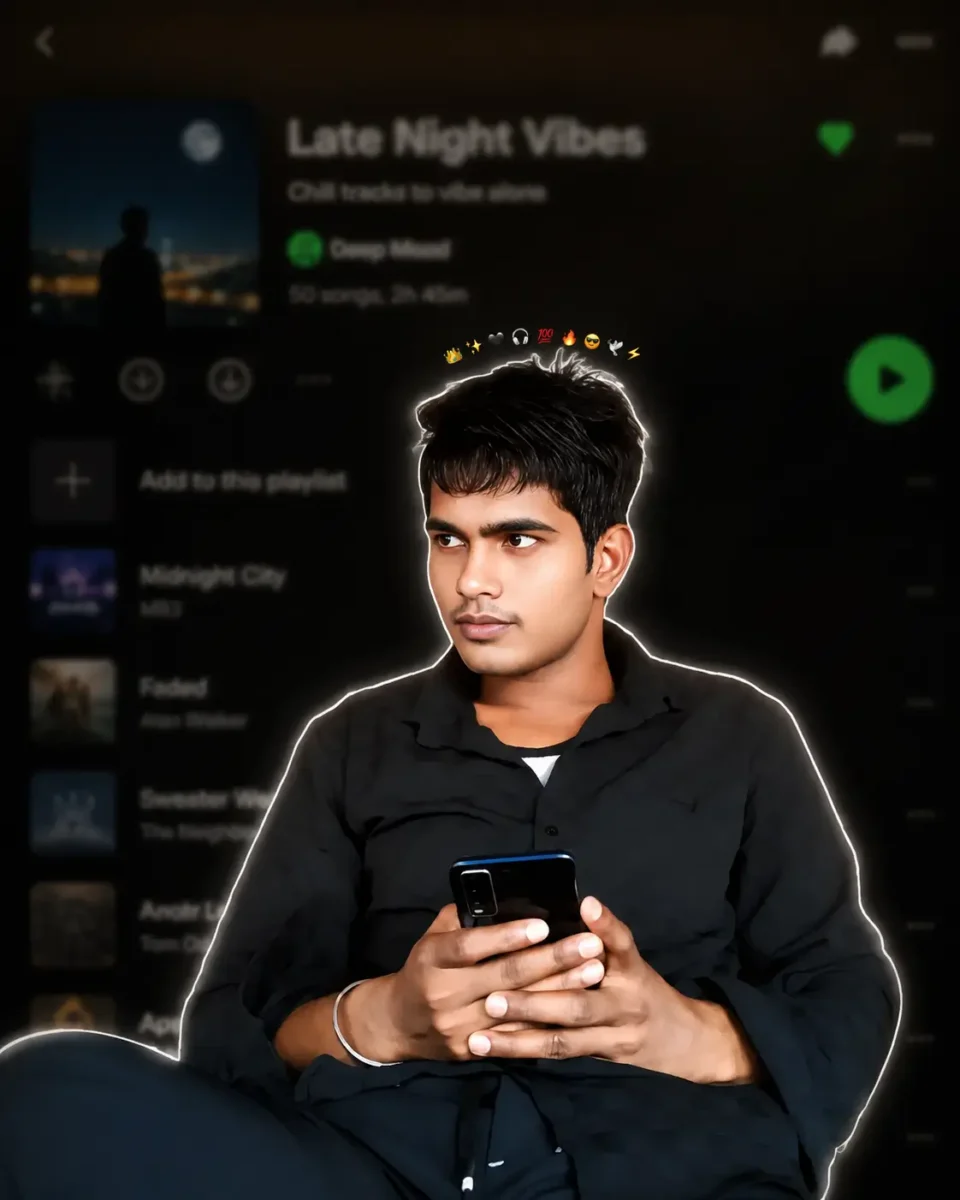
Use the uploaded image as the ONLY identity reference. Keep the subject’s gender, face, facial structure, hairstyle, skin tone, age, clothing, body proportions, original pose, expression, hand position, camera angle, framing and perspective exactly unchanged. Create a premium Instagram Feed Post (1080×1350, 4:5) with a thin white sticker outline and soft white glow. Add one tiny compact emoji crown (10–12 emojis ) centered in a very tight curved arc, floating just above the hair with a clear small gap, about 15–20 px above the highest point of the hair, matching the reference. Keep the emojis small, closely packed, subtle, and never touching or overlapping the hair, forehead, face, or white outline. Never make the crown wide, oversized or scattered. Use the same clothing, hairstyle and pose. Background: heavily blurred dark-mode mobile music streaming app playlist with a premium cinematic look.
10 Extra AI Image Prompts जिन्हें आप Try कर सकते हैं
अब जब आप समझ चुके हैं कि एक अच्छा AI image prompt कैसे तैयार किया जाता है, तो नीचे कुछ extra prompts भी दिए गए हैं। आप इन्हें ChatGPT, Google Gemini या दूसरे AI image tools में try कर सकते हैं। साथ ही इन prompts में Subject, Clothes, Location, Lighting और दूसरी details बदलकर अपनी पसंद की image भी बना सकते हैं।
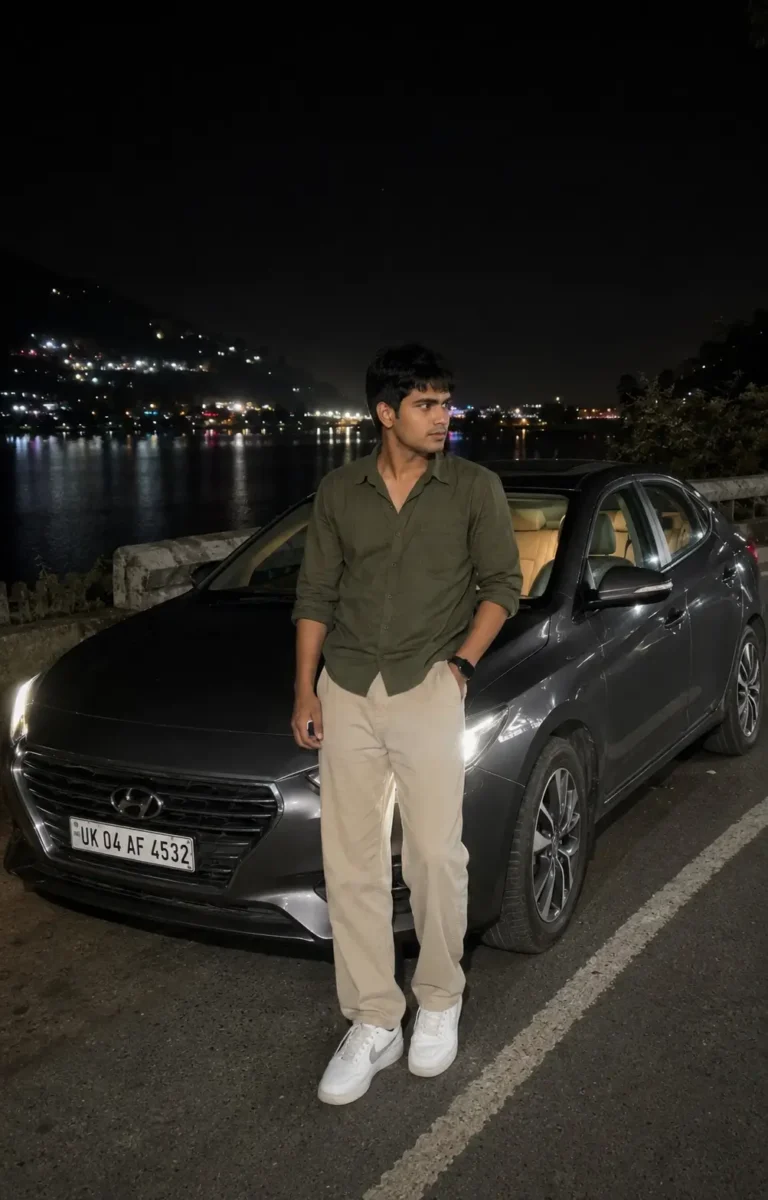
Ultra-realistic casual smartphone photograph captured on an iPhone 15 Pro using the standard 1× rear camera. Vertical 4:5 full-body composition from a natural eye-level handheld perspective.
A young South Asian man with medium-fair skin, naturally textured black hair and a lean physique is standing casually beside a dark grey sedan parked on a quiet lakeside road at night. He is wearing an olive-green full-sleeve shirt with the sleeves rolled just below the elbows, relaxed-fit beige trousers, clean white sneakers and a simple black wristwatch. One hand is inside his trouser pocket while the other rests naturally by his side. He is looking slightly away from the camera with a calm and confident expression.
The dark grey sedan is parked slightly behind him at a three-quarter angle. Its headlights are turned on and naturally illuminate a small part of the road without becoming too bright. A subtle warm light from inside the car is visible through the windows, while the vehicle remains naturally integrated into the scene.
Behind him, a peaceful lake reflects scattered lights from buildings on the opposite side. Dark hills are visible in the distance with a few warm lights along the hillside. The night sky is deep and natural with slight atmospheric haze, while soft reflections from nearby lights appear across the water.
Use realistic night-time smartphone exposure, natural skin texture, balanced shadows, accurate white balance and true-to-life colors. The scene should be illuminated only by the car headlights and available ambient lights. No cinematic lighting, artificial glow, beauty filter, skin smoothing, excessive HDR, fake bokeh, heavy color grading or oversharpening.
Preserve subtle smartphone noise, slight handheld imperfections, realistic depth of field and natural low-light details. The final photograph should look like a genuine, unedited smartphone photo casually captured during a peaceful nighttime road trip.
A high-quality, photorealistic candid portrait of a young South Asian couple standing closely together against a clean warm beige wall in a minimalist indoor setting filled with soft natural daylight. The woman stands on the left, wearing a sleeveless chocolate-brown pleated maxi dress with a flowing gathered skirt, long naturally straight black hair partially pinned back, subtle makeup, delicate earrings, and a thin bracelet. She gently wraps both hands around the man’s arm while leaning toward him with a warm, affectionate smile, looking directly into his eyes. The man stands on the right wearing a crisp white long-sleeve button-up shirt with the sleeves casually rolled, light blue relaxed-fit jeans, a black wristwatch, one hand tucked into his pocket, and neatly styled short black hair with a well-groomed beard. He smiles naturally while gazing lovingly at her, creating an intimate and genuine romantic moment. A large lush green Monstera plant occupies the right foreground, adding depth, texture, and a fresh botanical aesthetic while partially framing the couple. The composition is vertically balanced with generous negative space above the subjects, clean modern interior styling, soft shadows, warm neutral tones, realistic skin texture, authentic fabric folds, shallow depth of field, creamy background separation, subtle cinematic color grading, natural window light, ultra-detailed, DSLR quality, 85mm lens, f/2.0, HDR, 8K resolution, lifestyle editorial photography, elegant, timeless, cozy, and effortlessly romantic.3:4
Create an ultra-realistic editorial portrait collage of a stylish South Asian man in his late 20s, wearing a dark forest-green relaxed-fit shirt, charcoal trousers and black sunglasses. Set the scene in a modern urban rooftop environment under soft cloudy skies, with a clean, premium fashion photography look.
Use a vertical 3:4 composition divided into multiple portrait frames. On the left side, include four smaller black-and-white portraits of the same man, showing different natural poses and expressions such as looking away, adjusting his sunglasses, a side profile and a relaxed close-up.
On the right side, place one large full-color portrait where he stands confidently with a calm expression, looking slightly away from the camera. At the bottom, include a smaller full-body frame showing his complete outfit and relaxed standing pose.
Keep the same facial features, hairstyle and overall appearance consistent across every frame. Use realistic skin texture, detailed hair, sharp facial features, natural shadows, soft diffused daylight and balanced contrast. Give the collage a clean luxury fashion editorial feel with professional DSLR photography, subtle depth of field and natural color tones.
Avoid artificial skin smoothing, distorted facial features, inconsistent faces, extra fingers, excessive HDR, oversaturation, text and watermarks. Final composition should look like a professionally photographed fashion magazine portrait collage, not an obvious AI-generated image.
Create an ultra-realistic full-body fashion portrait of a young South Asian man with naturally styled textured hair and a neatly trimmed beard. He is standing confidently beside an old industrial brick wall with a faded metal doorway, giving the scene a raw urban street-style look.
He is wearing a dark brown oversized casual shirt with the sleeves folded to the elbows, paired with relaxed-fit black cargo pants and clean beige sneakers. Add black sunglasses, a minimal silver chain and a simple wristwatch for a modern street-fashion look.
The man is standing in a relaxed pose with one hand inside his trouser pocket while the other rests naturally against the old brick wall. He is looking slightly away from the camera with a calm and confident expression.
Use soft natural evening light with realistic shadows and slightly muted background tones. Capture the portrait with professional DSLR photography, an 85mm portrait lens, natural depth of field, sharp focus, realistic skin texture and detailed hair. Keep the colors natural and the overall image clean, stylish and realistic.
Avoid artificial skin smoothing, excessive HDR, oversaturation, distorted hands, extra fingers, unnatural body proportions, artificial glow, text and watermarks. The final image should look like a genuine professional street-fashion photoshoot.
Use the uploaded image only as the face and identity reference. Preserve the subject’s natural facial structure, skin tone, hairstyle, age and overall identity. Keep the face realistic without beautification, face smoothing or major facial changes.
Create an ultra-realistic vertical 3:4 fashion portrait, framed from around mid-thigh to head at natural eye level. The subject should occupy roughly 60% of the frame while the background remains strongly blurred.
A young South Asian man is casually leaning beside the front corner of a dark luxury sedan inside a modern underground parking garage. His body is slightly angled with relaxed shoulders. He looks naturally down toward a smartphone held in his right hand, while his left hand holds a bouquet near his waist. His expression is calm and confident, giving the feeling that he is waiting for someone before an evening date.
He is wearing a fitted charcoal-black blazer over a black open-collar shirt, tailored black trousers, a black leather belt and polished black shoes. Add subtle rectangular sunglasses and a stainless-steel wristwatch for a clean premium look.
The bouquet is wrapped in matte dark paper and contains deep red roses, small white flowers, eucalyptus leaves and subtle green foliage. Keep the flowers realistic and naturally arranged rather than perfectly symmetrical.
Only part of the luxury sedan should appear in the frame, including a section of the front grille, one headlight and glossy hood reflections. Do not show the complete vehicle or emphasize any brand logo or license plate.
Use realistic underground parking lighting with cool overhead fluorescent lights. Create natural directional shadows beneath the jaw, around the clothing folds and between the subject and the vehicle. Maintain natural skin tones, deep blacks and a subtle cool blue tone throughout the environment, while the red roses provide a gentle warm contrast.
The background should show a low parking-garage ceiling, fluorescent strip lights and a few structural pillars fading into strong natural bokeh. Keep the subject sharply focused with realistic separation from the background.
Professional full-frame camera photography, shallow depth of field, realistic skin texture, detailed fabric, natural hair detail, accurate reflections, realistic shadows and true-to-life color balance. The final result should look like a genuine premium evening fashion photograph rather than an obvious AI-generated image.
Avoid close-up framing, selfie angles, flat lighting, excessive HDR, artificial glow, beauty filters, plastic skin, altered facial features, distorted hands, extra fingers, unnatural poses, incorrect bouquet placement, excessive car visibility, sharp or cluttered backgrounds, oversaturated colors, text, logos, signatures and watermarks.
Use the uploaded reference image only to maintain the woman’s facial identity. Preserve her natural face shape, facial proportions, skin tone, eyes, eyebrows, nose, lips, hairstyle and age. Keep the face realistic and consistent without beautification, reshaping or artificial skin smoothing.
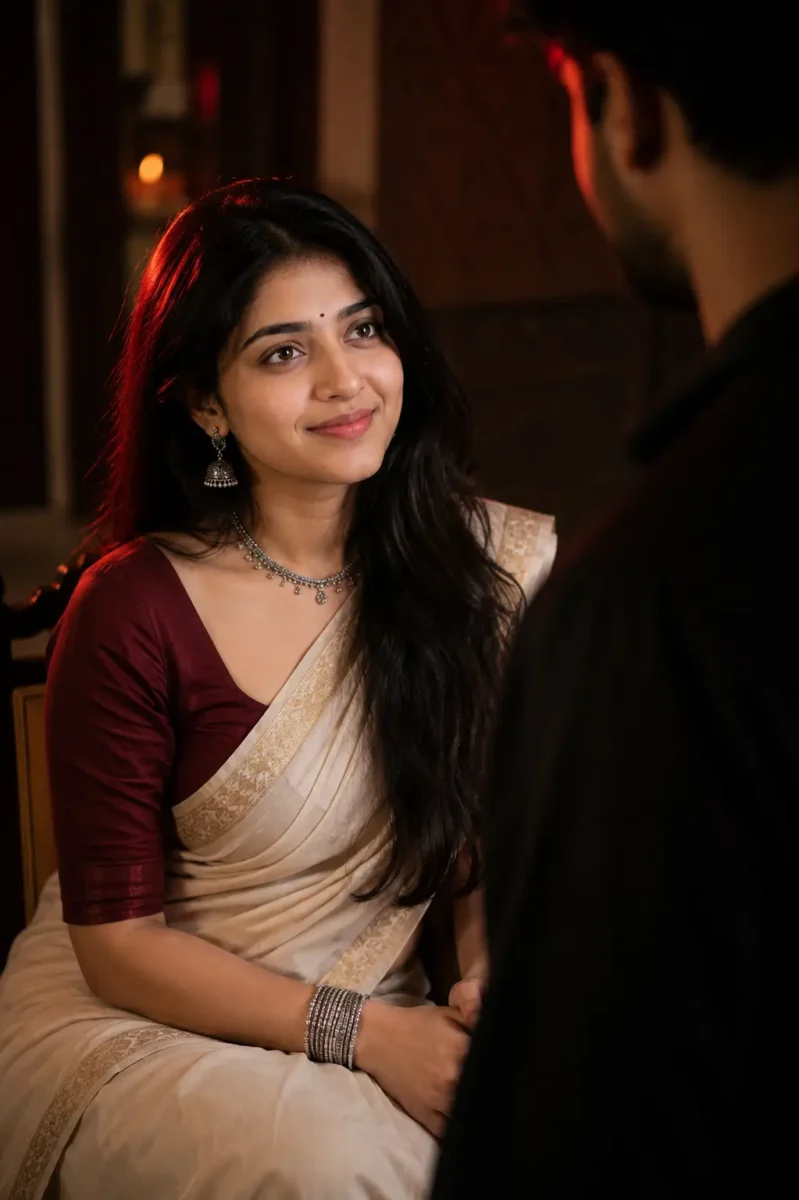
Create an ultra-realistic cinematic portrait of the woman sitting gracefully inside a traditional Indian interior. She is wearing an elegant ivory saree with a subtle golden border, paired with a deep maroon fitted blouse. Her naturally wavy black hair falls softly over one shoulder.
Add traditional oxidized silver jhumka earrings, a delicate necklace, a few silver bangles and a small black bindi. Keep the jewellery elegant and realistic rather than overly heavy.
She sits naturally with her hands resting together on her lap. Her face is slightly turned upward as she looks toward a man standing in front of her with a calm, emotional and thoughtful expression.
Show the man only as a soft, dark and out-of-focus silhouette in the foreground, partially entering the frame from one side. His face should not be clearly visible. Use him only to create depth and a subtle storytelling feel while keeping the woman as the main focus.
Use dramatic low-key lighting with a soft warm key light falling naturally across her face and a deep red rim light from one side. Maintain realistic shadows, natural skin texture and gentle separation between the subject and the dark background.
Keep the background softly blurred with subtle hints of a traditional indoor setting. Use shallow depth of field, realistic skin details, detailed saree fabric, natural hair strands and professional portrait photography.
The final image should feel emotional, elegant and culturally natural, like a professionally photographed scene from an Indian cinematic drama.
Avoid face changes, identity drift, beauty filters, plastic skin, excessive skin smoothing, unnatural jewellery, distorted hands, extra fingers, oversaturated red lighting, artificial glow, cartoonish details, text, logos and watermarks.
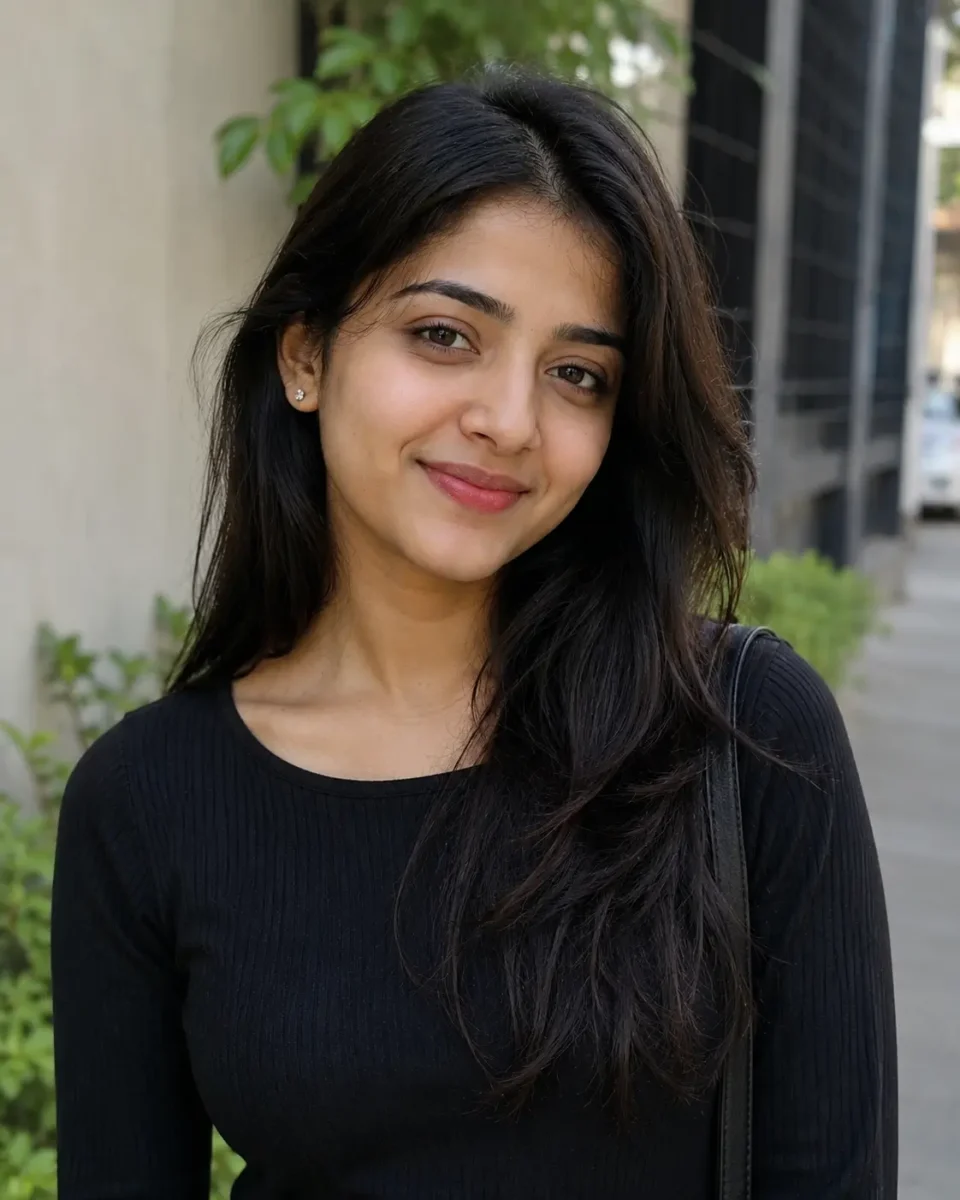
Use the uploaded reference image only for the woman’s facial identity. Keep her natural face shape, eyes, eyebrows, nose, lips, jawline, skin tone, hairstyle, hairline, age and natural facial texture consistent with the reference image. Do not beautify, reshape, smooth or stylize her face. Facial identity should remain consistent in every photo used in the collage.
Create a premium feminine editorial photo-collage poster in a vertical 3:4 aspect ratio.
Design the poster with a modern fashion-magazine and scrapbook-inspired layout. Place one large portrait of the woman as the main visual in the lower-left and center area. Around the main portrait, arrange four smaller photographs in different sizes and slightly varied angles to create a natural editorial collage.
MAIN PORTRAIT:
Show the woman sitting gracefully on the floor in a relaxed fashion pose. One leg is softly folded while the other is positioned naturally forward. Keep her posture elegant, confident and comfortable rather than overly posed.
Dress her in a stylish modern outfit with a premium feminine look, such as a fitted black top paired with relaxed beige trousers and minimal accessories. Keep the clothing realistic with natural fabric folds and accurate body proportions.
Her expression should be calm and naturally confident, looking slightly toward the camera. Preserve realistic skin texture, detailed hair strands and natural facial features.
SMALL COLLAGE PHOTOS:
Add four smaller candid-style photographs of the same woman around the main portrait.
Photo 1: natural side-profile portrait with a relaxed expression.
Photo 2: close portrait while she gently adjusts her hair.
Photo 3: casual standing fashion pose looking slightly away from the camera.
Photo 4: soft smiling candid portrait with natural body language.
Keep her facial identity, hairstyle and overall appearance consistent across all five photographs.
BACKGROUND & DESIGN:
Use a deep dark background with subtle paper textures, soft gradients and minimal scrapbook-style elements. Add thin photo borders, small tape-style details, subtle handwritten strokes and clean magazine-inspired graphic accents.
Keep the composition premium and spacious. Do not overcrowd the poster with unnecessary decorative elements.
LIGHTING:
Use soft professional editorial lighting with realistic shadows and gentle highlights. Add subtle warm highlights around selected photographs to create depth while maintaining natural skin tones.
TEXT:
At the upper-left area, add elegant glowing typography:
“OWN YOUR

MOMENT”
Keep the text stylish, clean and easy to read. Use a subtle neon-style glow rather than an excessively bright effect.
STYLE & QUALITY:
Ultra-realistic professional fashion photography, editorial magazine quality, realistic skin texture, detailed hair, accurate hands, natural body proportions, sharp subject details and balanced depth.
The finished design should look like a professionally created fashion editorial collage suitable for an Instagram post or premium lifestyle magazine.
Avoid face changes, identity drift, beauty filters, plastic skin, excessive retouching, distorted hands, extra fingers, duplicated body parts, inconsistent faces, unrealistic poses, excessive neon glow, cluttered layout, cartoon effects, text errors, logos, signatures and watermarks.
Use the uploaded reference image only to preserve the woman’s facial identity. Keep her natural face shape, skin tone, eyes, eyebrows, nose, lips, hairstyle and age consistent with the reference. Do not beautify, reshape or artificially smooth her face.
Create an ultra-realistic full-body portrait of a young woman enjoying a peaceful monsoon evening on a rain-soaked hillside road. She is walking slowly under a transparent umbrella with a soft, happy expression, looking slightly toward the falling rain.
She is wearing a pastel lavender embroidered kurti with straight-fit dark blue jeans and clean white sneakers. A simple beige canvas shoulder bag hangs naturally from one shoulder, with a few small white and pink flowers visible from the bag.
She holds the transparent umbrella naturally in her right hand while extending her left palm slightly outward to feel the raindrops. Keep her walking pose relaxed and realistic, with natural body proportions and believable clothing movement.
The wet road is covered with a few scattered pink and white flower petals, while reflections from warm street lamps appear naturally across the rain-soaked surface.
On one side of the road, place a vintage wooden signboard decorated subtly with climbing flowers and tiny warm fairy lights. Keep the board elegant and visually balanced rather than oversized. Add only minimal decorative writing so it does not distract from the main subject.
In the distance, show lush green hills partially covered in monsoon mist, a small waterfall flowing down the hillside and soft clouds surrounding the mountain. Add a few distant birds and subtle blurred vehicle lights further along the road to make the environment feel natural and alive.
Use soft overcast monsoon lighting mixed with warm reflections from the street lamps. Show realistic raindrops, wet fabric details, natural skin texture, water reflections, subtle atmospheric mist and realistic depth of field.
Professional full-frame photography, natural perspective, sharp focus on the woman, detailed hair strands, realistic rain physics and true-to-life colors. Keep the overall mood peaceful, romantic and refreshing rather than overly dramatic.
Avoid artificial glow, excessive HDR, oversaturated colors, beauty filters, plastic skin, distorted hands, extra fingers, unnatural rain, fake reflections, unrealistic flowers, text errors, logos and watermarks.
Aspect ratio: 4:5 vertical.
Use the uploaded reference image only to maintain the woman’s facial identity. Preserve her natural face shape, facial proportions, eyes, eyebrows, nose, lips, skin tone, age and overall appearance. Keep the face realistic without beautification, reshaping or artificial skin smoothing.
Create an ultra-realistic vertical fashion portrait of a young South Asian woman standing gracefully beneath a large pastel-pink umbrella in a beautiful heritage courtyard during soft daylight.
Style her hair in a long, naturally textured side braid with a few soft strands falling around her face. Add a tiny black bindi and a gentle, relaxed expression. She is looking slightly away from the camera with a calm and elegant mood.
She is wearing a rich emerald-green saree with subtle silver detailing and a matching fitted blouse. Add traditional oxidized silver jhumka earrings, a delicate silver bracelet and minimal accessories to keep the overall look elegant and natural.
She holds the umbrella handle gently with both hands near waist level while standing in a relaxed posture. Her shoulders remain natural and her head is turned slightly toward one side, as if she is quietly observing something in the distance.
Use a soft blush-pink umbrella with a subtle decorative border. In the background, show an elegant Indian heritage courtyard with warm cream pillars, arched architecture, muted pastel walls and a few subtle green plants.
Use soft diffused natural daylight with realistic shadows and gentle highlights across the face and saree. Keep the background softly blurred with natural creamy bokeh so the woman remains the clear focus of the photograph.
Capture the scene with professional DSLR-style portrait photography and an 85mm lens, shallow depth of field, sharp facial details, realistic skin texture, detailed hair strands and natural saree fabric texture. Maintain balanced colors and realistic contrast without making the photograph overly cinematic.
The final result should feel like a premium Indian fashion editorial photographed naturally in a heritage location.
Avoid identity drift, face reshaping, beauty filters, plastic skin, excessive HDR, oversaturated colors, artificial glow, distorted hands, extra fingers, unnatural body proportions, unrealistic fabric, text, logos and watermarks.
Aspect ratio: 4:5 vertical.
Use the uploaded reference images only to maintain the facial identities of the man and woman. Preserve their natural face shapes, skin tones, eyes, eyebrows, nose, lips, hairstyle, age and overall appearance. Keep both faces realistic and consistent without beautification, reshaping or artificial skin smoothing.
Create an ultra-realistic romantic portrait of a young South Asian couple standing close together during a gentle monsoon rain. They are partially sheltered beneath a dark jacket held above them, creating a warm and intimate moment in the rain.
The woman is wearing an elegant deep emerald-green saree with a matching blouse featuring subtle traditional detailing. Her hair is slightly damp from the rain, with a few natural strands falling around her face. Keep her expression soft, calm and affectionate.
The man is wearing a slightly rain-soaked charcoal-grey shirt with the sleeves casually rolled up. He stands close beside her with one arm gently around her, while both naturally lean toward each other and share quiet eye contact.
Keep their pose romantic and natural rather than overly dramatic. Show realistic raindrops on their hair and clothing, natural wet-fabric texture and believable body posture.
Set the scene on a softly blurred outdoor street during evening rain. Add subtle warm streetlights in the distance and natural reflections across the wet ground while keeping the couple as the clear focus.
Use soft natural rainy-day lighting with realistic shadows, gentle highlights and shallow depth of field. Maintain natural skin texture, detailed wet hair, realistic fabric, true-to-life colors and subtle background bokeh.
Professional DSLR-style photography, 85mm portrait lens, realistic rain physics, sharp facial details and premium romantic editorial photography.
Avoid identity drift, face reshaping, beauty filters, plastic skin, exaggerated expressions, unnatural body positions, distorted hands, extra fingers, artificial rain, excessive HDR, oversaturated colors, text, logos and watermarks.
Aspect ratio: 4:5 vertical.
★ Conclusion
AI image prompt लिखना मुश्किल नहीं है, बस आपको सही details को सही क्रम में जोड़ना आना चाहिए। इस लेख में बताए गए 12 steps की मदद से आप Subject से लेकर Lighting, Camera और Quality तक हर चीज अपनी जरूरत के हिसाब से चुनकर खुद एक अच्छा prompt तैयार कर सकते हैं। शुरुआत में छोटे prompts बनाकर अभ्यास करें और धीरे-धीरे उनमें details जोड़ते जाएँ। कुछ समय बाद आपको किसी दूसरे का prompt copy करने की जरूरत भी नहीं पड़ेगी।
अगर आप Google Gemini की मदद से AI इमेज बनाना सीखना चाहते हैं, तो हमारी पूरी गाइड ज़रूर पढ़ें। इसमें हमने आसान भाषा में स्टेप-बाय-स्टेप तरीका समझाया है कि Gemini में AI Image कैसे बनाएं। साथ ही आपको 20 तैयार AI Image Prompts भी मिलेंगे, जिन्हें कॉपी करके आप कुछ ही सेकंड में शानदार और प्रोफेशनल AI इमेज बना सकते हैं।Google Gemini से AI Image कैसे बनाएं?
AI Image Prompts से जुड़े अक्सर पूछे जाने वाले सवाल (FAQ)
AI Image Prompt कैसे लिखें?
AI Image Prompt लिखने के लिए सबसे पहले तय करें कि आप किस तरह की image बनाना चाहते हैं। इसके बाद Subject, Expression, Clothes, Pose, Location, Background, Lighting, Camera और Quality जैसी जरूरी details को एक-एक करके prompt में जोड़ें। जितनी साफ और सही जानकारी आप AI को देंगे, उतना ही बेहतर result मिलने की संभावना बढ़ेगी। शुरुआत छोटे prompt से करें और जरूरत के हिसाब से उसमें details जोड़ते जाएँ।
AI से Realistic Image बनाने के लिए Prompt में क्या लिखें?
AI से realistic image बनाने के लिए prompt में natural skin texture, realistic lighting, camera angle, lens, sharp focus और natural colors जैसी details लिखें। इसके साथ Subject के कपड़े, pose, expression और background भी साफ तरीके से बताएं।
Ultra Realistic,DSLR Photography,Natural Skin TextureऔरRealistic Shadowsजैसे terms भी जरूरत के हिसाब से जोड़ सकते हैं। जितनी साफ और सही details देंगे, AI के लिए आपकी पसंद की realistic image बनाना उतना आसान होगा।एआई इमेज का प्रॉम्प्ट कैसे पता करें?
किसी AI image का exact original prompt केवल image देखकर पता करना हमेशा संभव नहीं होता, लेकिन उसके जैसा prompt तैयार किया जा सकता है। इसके लिए image में Subject, Clothes, Pose, Background, Lighting, Camera Angle, Colors और Style जैसी details को ध्यान से देखें और उन्हें prompt में लिखें। आप image को ChatGPT या दूसरे image-support करने वाले AI tool में upload करके उससे उस image के आधार पर detailed prompt बनाने के लिए भी कह सकते हैं।
मुझे AI Prompt कहां मिल सकता है?
AI prompts आपको ChatGPT, Google Gemini और अलग-अलग prompt-sharing websites पर मिल सकते हैं। इसके अलावा Google पर अपनी जरूरत के हिसाब से AI Image Prompts, Realistic AI Photo Prompts या Gemini Image Prompts जैसे keywords search करके भी कई examples देख सकते हैं। हालांकि ready-made prompt को सीधे copy करने के बजाय उसे अपनी जरूरत के हिसाब से बदलना बेहतर है। इससे आप अपनी पसंद की image के लिए ज्यादा सही और useful prompt तैयार कर पाएंगे।
AI Prompt के 5 प्रकार क्या हैं?
AI prompts कई प्रकार के हो सकते हैं, लेकिन सामान्य रूप से इन्हें Text Prompt, Image Prompt, Instruction Prompt, Question Prompt और Creative Prompt जैसे प्रकारों में समझा जा सकता है। Text Prompt में AI से कोई जानकारी या content मांगा जाता है, जबकि Image Prompt का उपयोग AI image बनाने के लिए होता है। Instruction Prompt में AI को कोई काम करने के साफ निर्देश दिए जाते हैं और Question Prompt में सीधे सवाल पूछा जाता है। वहीं Creative Prompt का इस्तेमाल कहानी, डिजाइन, आइडिया या दूसरे creative कामों के लिए किया जाता है।
एक अच्छे AI Prompt के 4 मुख्य तत्व क्या हैं?
एक अच्छे AI Prompt के 4 मुख्य तत्व Context, Instruction, Details और Output माने जा सकते हैं। Context से AI को पता चलता है कि काम किस विषय पर है, जबकि Instruction बताता है कि AI को करना क्या है। Details में आप अपनी जरूरी जानकारी और शर्तें बताते हैं, और Output में तय करते हैं कि आपको जवाब किस रूप में चाहिए। इन चारों चीजों को साफ तरीके से लिखने पर AI आपकी जरूरत को बेहतर तरीके से समझ पाता है।
AI ke kaun kaun se Prakar hote hain?AI को सामान्य रूप से क्षमता के आधार पर तीन प्रकार—Narrow AI, General AI और Super AI में समझा जाता है। Narrow AI किसी खास काम के लिए बनाया जाता है, जैसे image बनाना, text लिखना या voice पहचानना। General AI का मतलब ऐसा AI है जो इंसान की तरह कई अलग-अलग काम समझ और कर सके, जबकि Super AI एक ऐसी काल्पनिक अवस्था है जिसमें AI की क्षमता इंसानों से भी आगे हो। वर्तमान में हमारे रोजमर्रा के अधिकतर AI tools Narrow AI की श्रेणी में आते हैं।
AI कोर्स कितने साल का होता है?AI कोर्स की अवधि इस बात पर निर्भर करती है कि आप कौन-सा कोर्स कर रहे हैं। Certificate AI Course कुछ हफ्तों से 6–12 महीने तक हो सकता है, जबकि Diploma Course आमतौर पर 1–2 साल का होता है। वहीं B.Tech या दूसरे undergraduate AI degree programs सामान्यतः 3–4 साल के होते हैं। इसलिए AI सीखने के लिए छोटा course भी किया जा सकता है और पूरी degree भी ली जा सकती है।
सबसे बेस्ट AI कौन है?किसी एक AI को सबसे best कहना सही नहीं होगा, क्योंकि अलग-अलग AI tools अलग कामों में बेहतर होते हैं। ChatGPT writing, learning और कई तरह के daily tasks के लिए उपयोगी है, जबकि Google Gemini Google services के साथ काम करने और multimodal tasks के लिए अच्छा विकल्प है। वहीं image generation, coding और research जैसे कामों के लिए भी अलग-अलग AI tools उपलब्ध हैं। इसलिए आपके लिए सबसे best AI वही है जो आपके काम और जरूरत को सबसे अच्छे तरीके से पूरा करे।